Rev 9/20/18 pg. 65
3. Install new SDF bags on the ANKOM
TDF
Dietary Fiber Analyzer and continue the run.
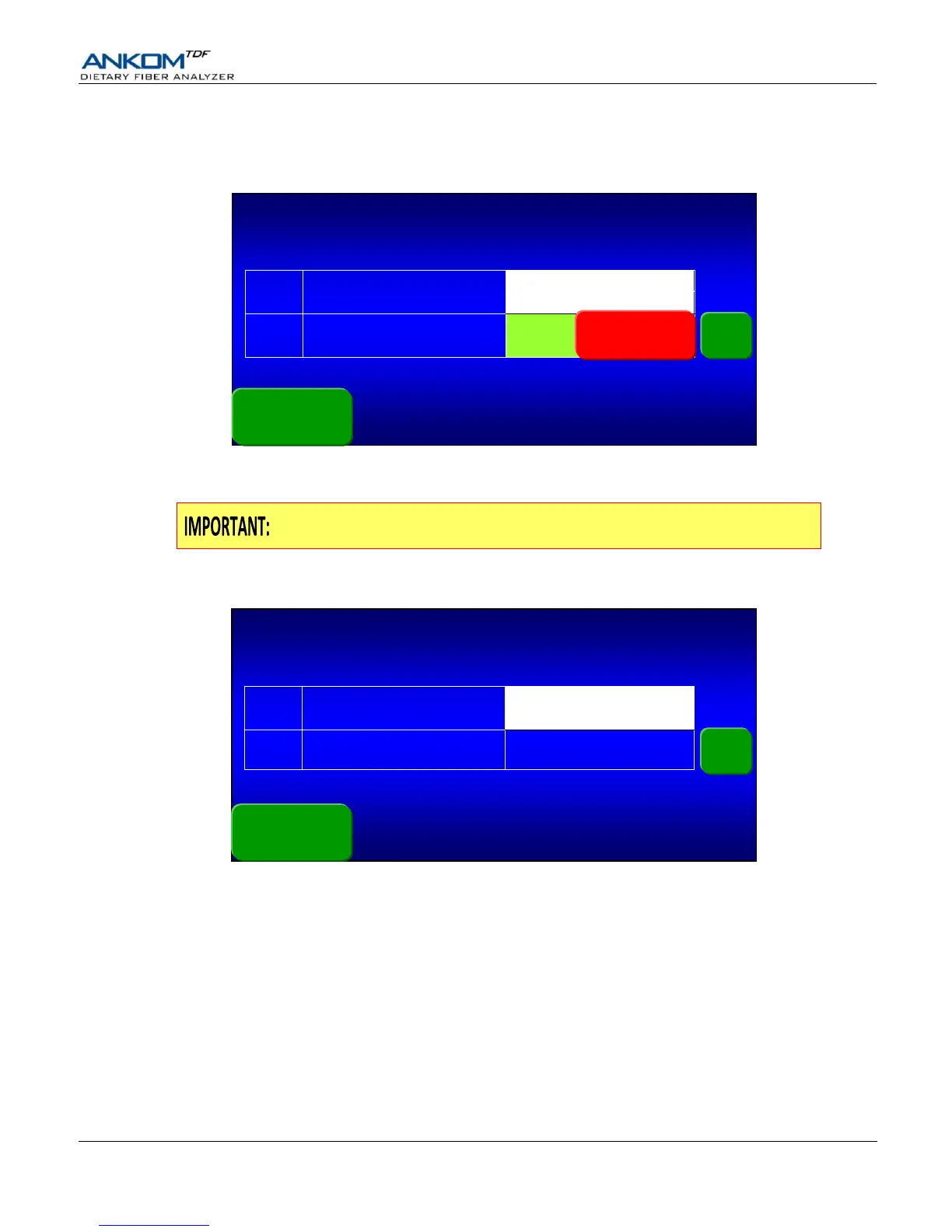
When an SDF process completes while an IDF process is in progress, the following screen is displayed. The Method &
Procedure shown in the top right corner is the one that is running in the top bags.
In the “Action in progress” box for the SDF process you will see a Press to continue SDF button. Press that button and
follow the instructions on the Touch Screen Display.
Remember to place the bottom of the IDF or IDF Flow-thru bags in the top of the
SDF bags when installing the new SDF bags.
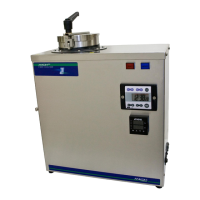
After you confirm your set-up, the following Status screen is displayed. The Method & Procedure shown in the top right
corner is the one that is running in the top bags.
The instrument is now ready to run an SDF process that will be automatically initiated by the internal computer at the
correct time.


 To Next Page