The value on the Mixer Duty Cycle screen is only used during Diagnostics and in
an AOAC 2009.01/2011.25 assay during the 16 hour Amylase/AMG digestion and
Trizma phases.
Heater Test
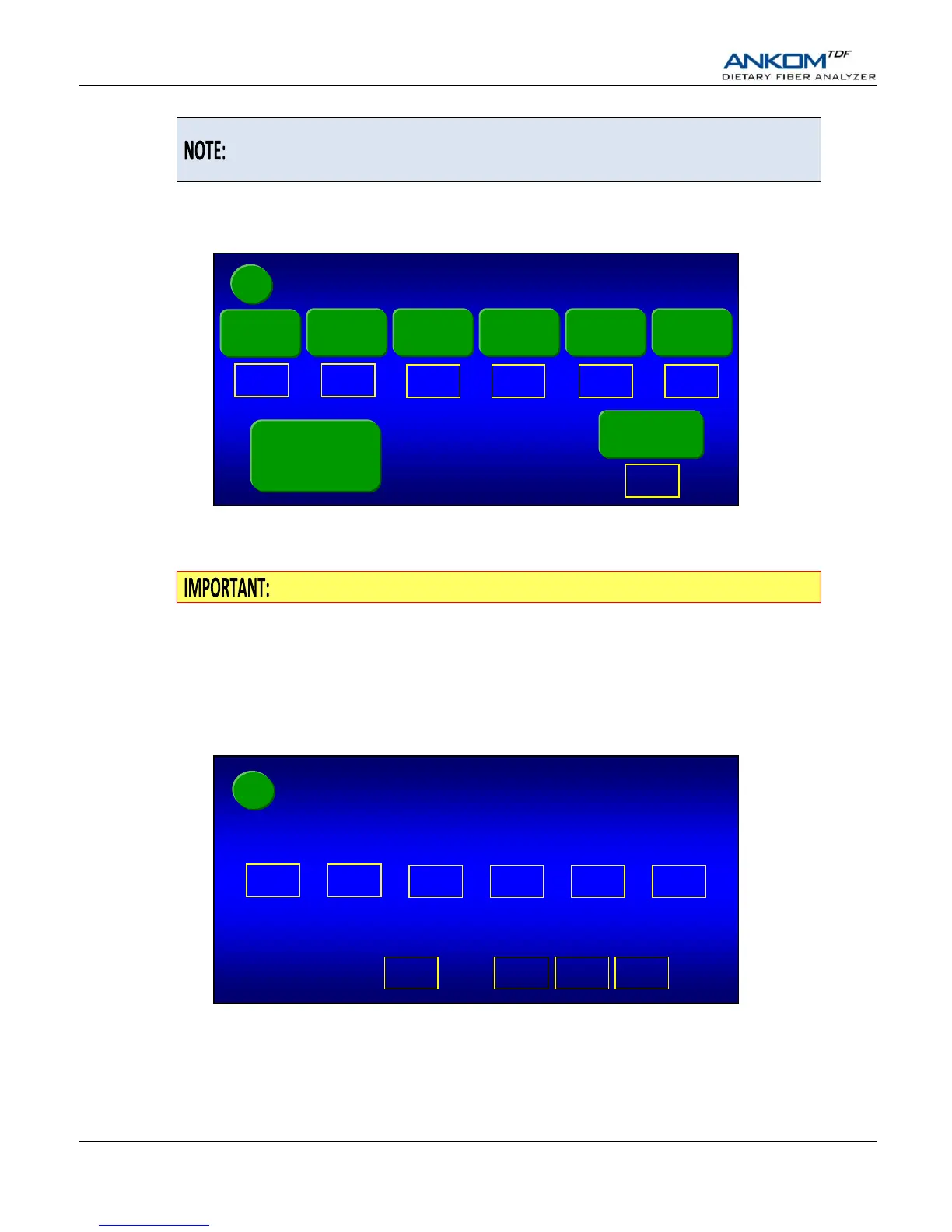
When you press the Heater Test button on the Diagnostics screen, the following screen will be displayed.
With the Paddle Heater Power Enable button set to “on”, pressing any of the Paddle 1 through Paddle 6 buttons will turn the
heat on for the specific paddle. Pressing the In-line Heater button will turn the In-line Heater on and light the LED located
below the Touch Screen Display on the Control Panel. The heater temperatures are shown below each heater button.
After completing the Heater Test you should turn all heaters off.
Faults
When you press the Faults button on the Diagnostics screen, the Faults screen is displayed. See the “Fault Handling” section of
this manual for more information.
Pressures
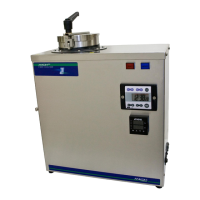
When you press the Pressures button on the Diagnostics screen, the following screen will be displayed.
The readings shown on this screen for the input pressure and the lines to all six stations represent the absolute pressure. These
values will dynamically change as the pressure changes.
Paddle Heater
Power Enable
(off)


 To Next Page