6 Configuration Guide
l
MT1000A
8. Recommended Item Number Sequence in Purchase Orders
The MT1000A can be configured in many ways. Sometimes, different configurations are included in one purchase order sheet.
To ensure the right configurations, it is recommended to add the MT1000A as the first line of each configuration on the sheet.
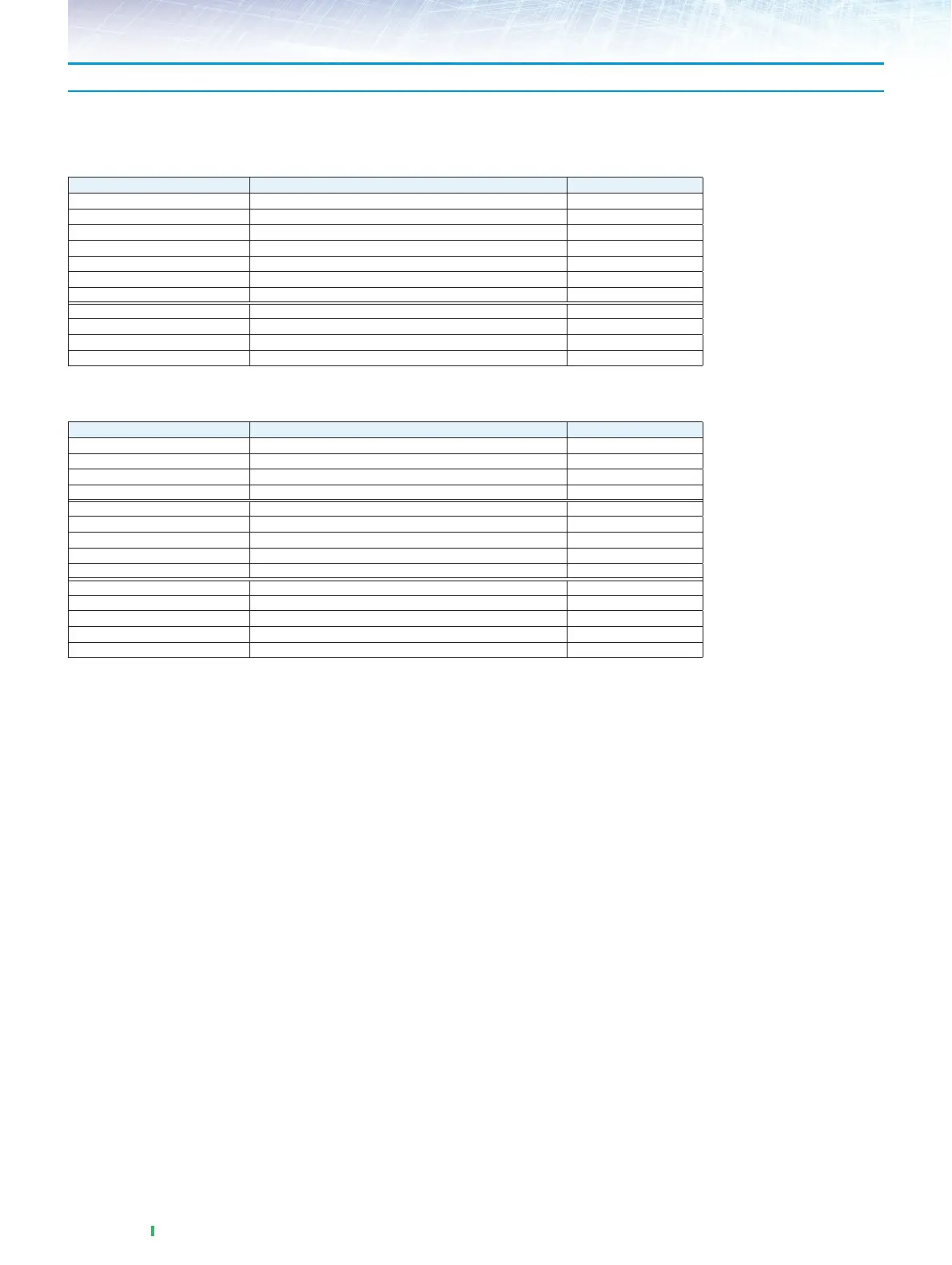
Configuration example 1
Five and two instruments with different configurations:
Model/Order No. Name Qty.
MT1000A
*
1
Network Master Pro 5
MU100010A 10G Multirate Module 5
MU100010A-001 Up to 2.7G Dual Channel 5
MU100010A-051 OTN 10G Single Channel 5
MU100010A-061 ODU Multiplexing 5
G0315A 10G LR/LW 1310 nm SFP+ 5
*
2
G0319A Up to 2.7G 1310 nm 15 km SFP 10
MT1000A
*
1
Network Master Pro 2
MU100010A 10G Multirate Module 2
MU100010A-051 OTN 10G Single Channel 2
G0315A 10G LR/LW 1310 nm SFP+ 2
*
2
Configuration example 2
Four, three and five instruments with different configurations:
Model/Order No. Name Qty.
MT1000A
*
1
Network Master Pro 4
MU100010A 10G Multirate Module 4
MU100010A-012 Ethernet 10G Dual Channel 4
G0315A 10G LR/LW 1310 nm SFP+ 8
*
2
MT1000A
*
1
Network Master Pro 3
MU100010A 10G Multirate Module 3
MU100010A-012 Ethernet 10G Dual Channel 3
MU1100010A-073 CPRI/OBSAI 6G to 10G Dual Channel 3
G0329A 10G LR 1310 nm SFP+ 6
MT1000A
*
1
Network Master Pro 5
MU100010A 10G Multirate Module 5
MU100010A-012 Ethernet 10G Dual Channel 5
MU100010A-051 OTN 10G Single Channel 5
G0315A 10G LR/LW 1310 nm SFP+ 10
*
2
*
1: MT1000A is located at the first line of each configuration in the purchase order.
*
2: If accessories shall not be distributed equally between the instruments, it is recommended to split the configuration to each mainframe.














 To Next Page