EN
47
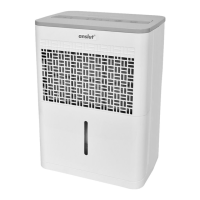
3. Water container
4. Air lter (inside air inlet grille)
5. Handle
Back
6. Air outlet grille
7. Cord holder (for storage).
8. Drain
9. Cord
10. Plug
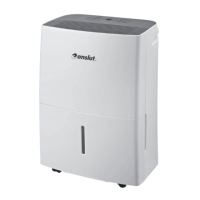
FIG. 1
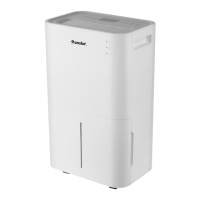
FIG. 2
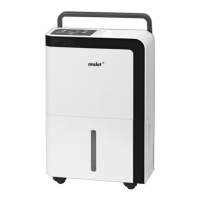
FIG. 3
CONTROL PANEL
Status lights
1. Full water container
Goes on when the water container is
full, or not properly inserted.
2. Automatic defrosting
Goes on when automatic defrosting is in
progress.
Flashes with 5 Hz if there is a fault
on the room temperature sensor or
evaporator temperature sensor.
3. Continuous operation
4. Operating mode 40% relative humidity
5. Operating mode 50% relative humidity
6. Operating mode 60% relative humidity
NOTE:
• If the status light for automatic
defrosting starts ashing, unplug and
then plug in the plug again. Contact the
retailer if the fault persists.
• The oat switch switches o the
dehumidier when the water container
is full, or not properly inserted, and
when the water container is taken out.
On some models the oat continues
working for 30 seconds.
Control
7. Mode selector:
Press to select operating mode:
continuous dehumidication
40% humidity 50% humidity:
60% humidity: continuous
dehumidication.
8. Button OFF/ON:
Press to start/switch o the
dehumidier.
FIG. 4
Start delay 3 minutes
When the dehumidier has been stopped it will
not start for 3 minutes. This is a safety function,
and is completely normal.
Automatic defrosting
If frost forms on the evaporator coils the
compressor will switch o, and the fan will run
until the frost has melted.
Automatic restart
When the power supply is reset after a power
failure the dehumidier restarts with the
previously set function.
USE
POSITIONING
The product has little dehumidifying eect
in adjacent separate areas without good air
circulation.


 To Next Page