10. Hibernation mode
With this menu you can set Hibernation mode.
01) Press the button until the display shows .
02) Press the buttons to choose between ON and OFF.
03) When the function is switched ON, the device will shut down if it stops receiving DMX signal. When
the device receives DMX signal, it will resume operation.
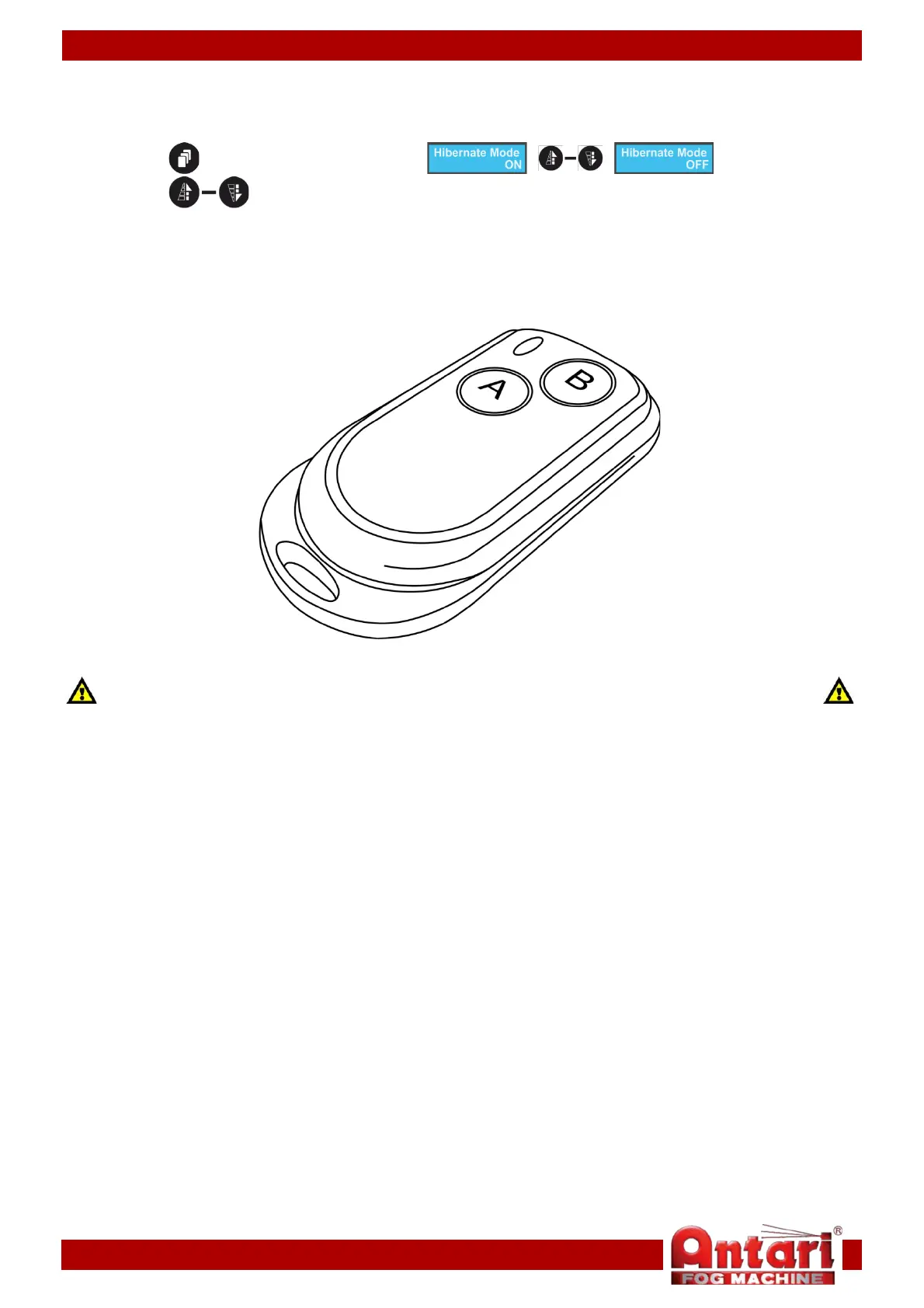
Remote control
Make sure that wireless control is active.
Please, read Start-up settings (page 11) and Wireless settings (page 13).
01) Press the A button to start fog output.
02) The fog output volume is determined by the volume settings.
03) Press the B button to stop output.
14


 To Next Page