PMT - MANUAL
2 | PMT – Manual | AntecControls.com
INTRODUCTION
General
In this manual, you will find information regarding:
Touchscreen Room Pressure Monitor (PMT) specifications
How to install the PMT
Detailed description of PMT display navigation and
configuration
Troubleshooting information
Product Overview
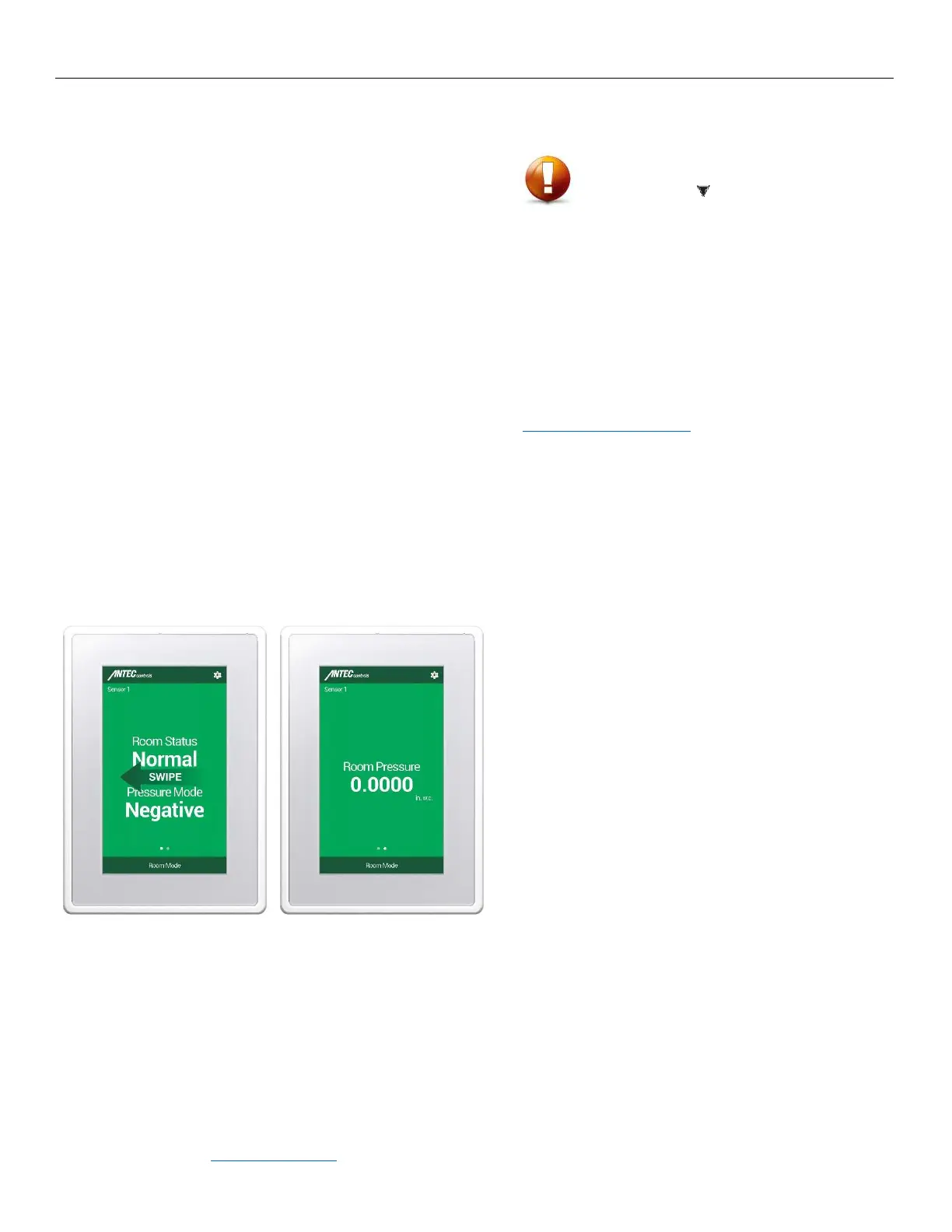
The PMT is designed to provide ease of use pressure monitoring.
The PMT Home screen provides monitoring information in a
simple format displaying information including Room Status,
Pressure Mode and Isolation Mode.
Upon swiping the screen to the left, room pressure
measurement is visually available.
Some of its key features include:
Password protected menus
Setup Wizard – Walk through setup of PMT when first
powered up
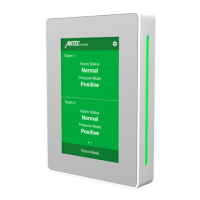
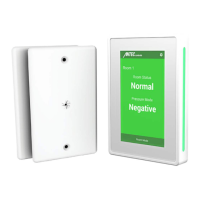
LED side bars offer 180° viewing of current room status
CAUTION
This mark indicates an important point for the proper function of
the PMT. Improper installation or setup may cause unit failure.
Pay close attention to all caution points and tech tips throughout
this manual.
For local area support, please
contact your local Antec Controls
Representative
For more information visit
www.AntecControls.com


 To Next Page