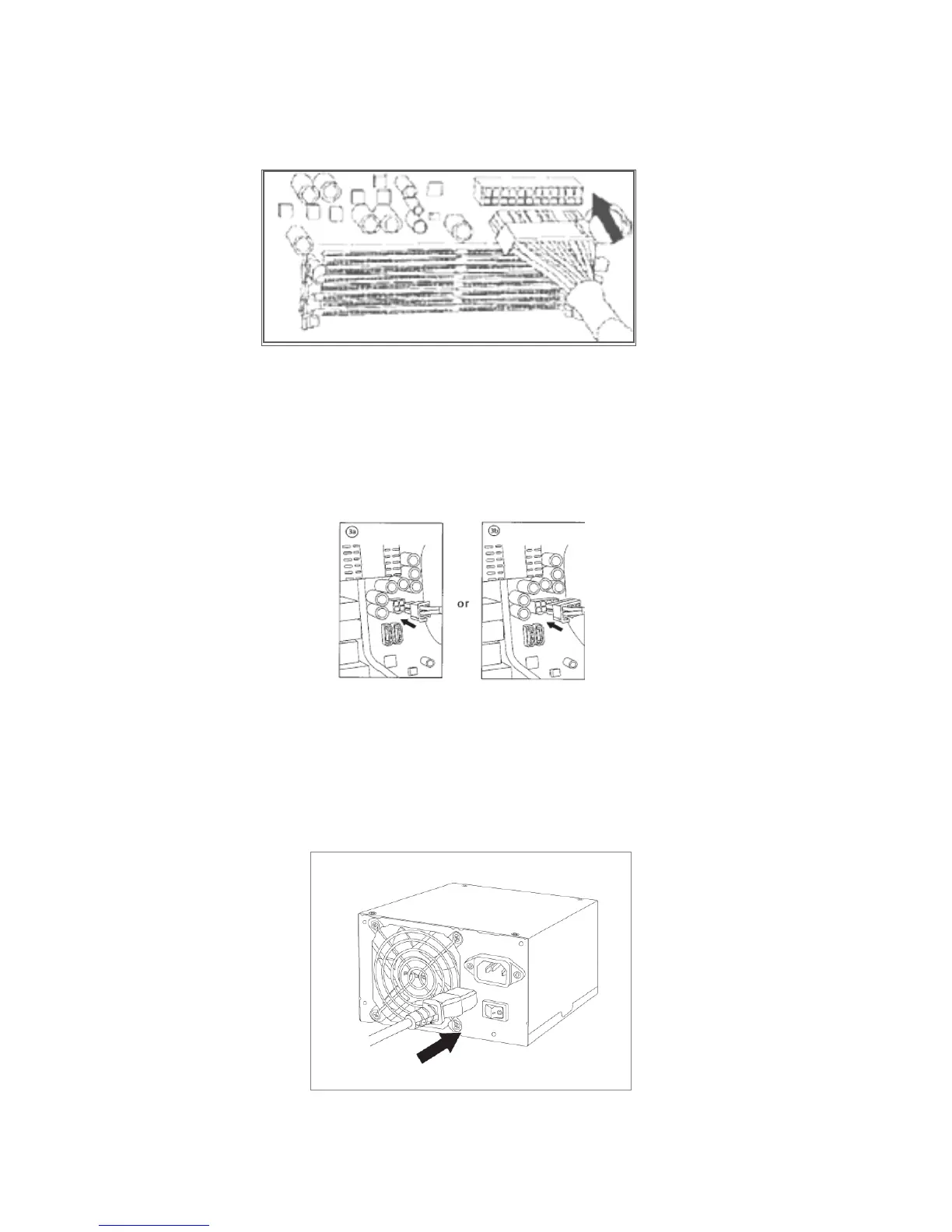
3. Connect the 8-pin or 4-pin ATX12V connector for the CPU to the appropriate connector on your
motherboard. If your motherboard has an 8-pin socket with a cover on some of the openings,
we recommend that you remove the cover and use the 8-pin connector.
Note: Please also refer to your motherboard user’s manual for any special instructions.
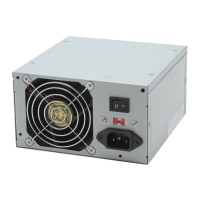
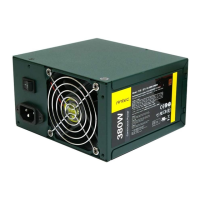
4. Connect an AC power cord to the power supply AC inlet. To reduce waste, the EA-380D Green
does not come with a power cord. Turn the switch to the “|” position after you have connected
all the devices and are ready to turn on your computer.





 To Next Page