17
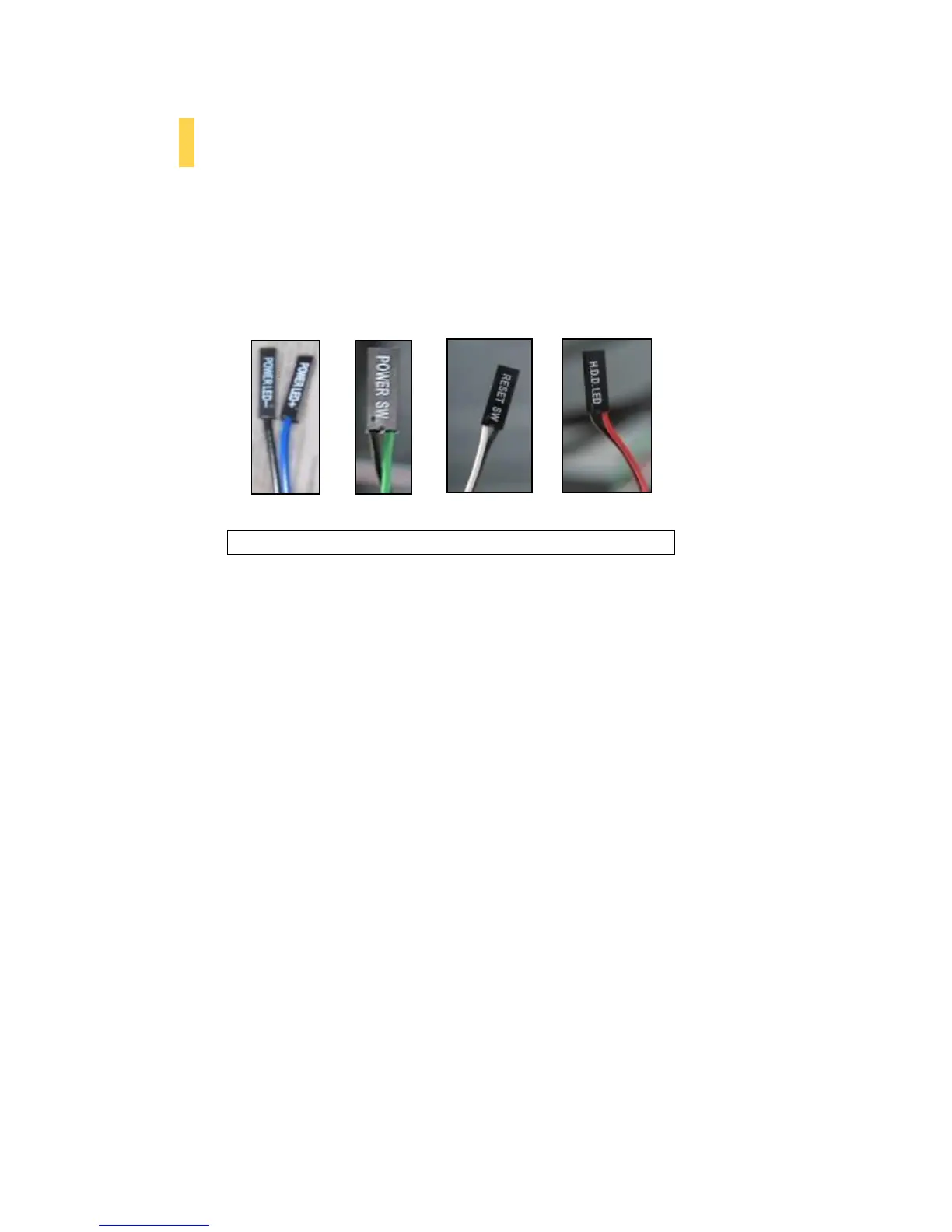
3.3 Power Switch / Reset Switch / Hard Disk Drive LED Connectors
Connected to your front panel are LED leads for power and HDD activity, as well as switch leads for the
power and reset buttons. Attach these to the corresponding connectors on your motherboard. Consult
your motherboard manual for specific pin header locations. For LEDs, colored wires are positive ( + ).
White or black wires are negative ( – ). If the LED does not light up when the system is powered on, try
reversing the connection. For more information on connecting LEDs to your motherboard, see your
motherboard user’s manual.
Note: Polarity (positive and negative) does not matter for switches.










 To Next Page