5
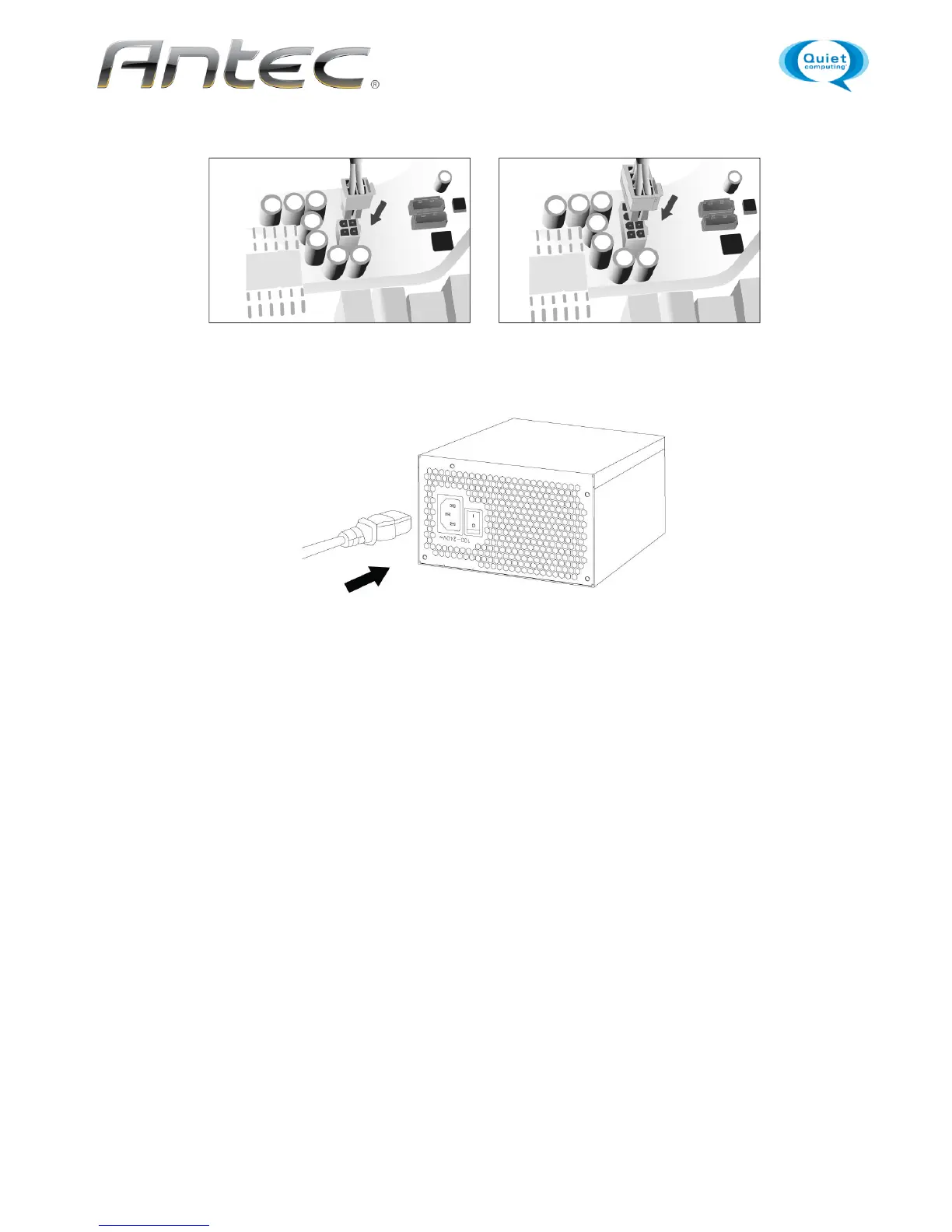
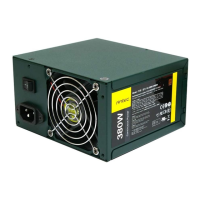
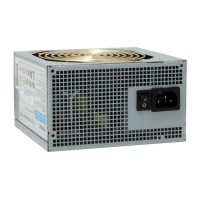
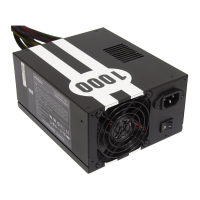
Connect the AC power cord to the power supply AC inlet. Be sure to use the heavy-duty cord supplied
with your PSU.
Hard drives, optical drives (CD/DVD/BluRay™) and other accessories will use either the older 4-pin
Molex connector or the newer 15-pin SATA connector. 4-pin Molex connectors have two black, one
yellow and one red wire. The SATA connector has an additional orange power wire.
When you have all the connections secured, turn the switch on the PSU to the “|” position.


 To Next Page