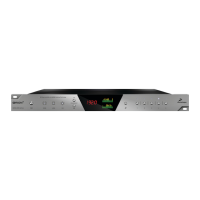
Visualize the signal level of the left and right channels.
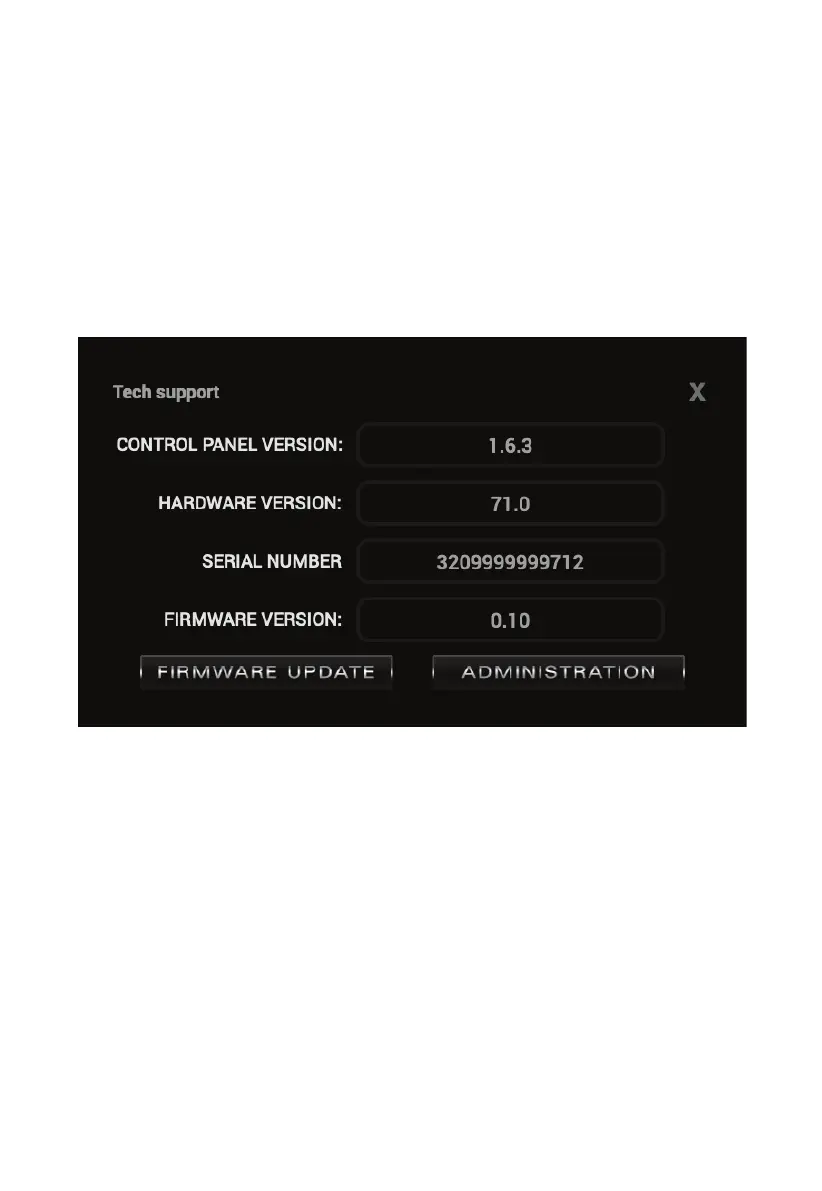
14. Device info button
Displays various information about your device such as:
Control panel, hardware and firmware version and serial number
You can also use the buttons below to update the firmware of the device or get to
the administration panel (the same as using the controls from the Antelope Audio
Launcher)


 To Next Page