S/PDIF S/PDIF Inputs)
TOSLINK TOSLINK Inputs)
USB (Computer Audio)
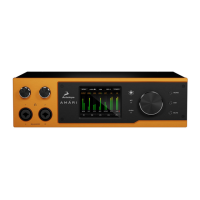
3 Sample Rate
Chooses the sample rate for the Amari. The following options are available:
32kHz
44.1kHz
48kHz
88.2kHz
96kHz
176.4kHz
192kHz
352.8kHz
384kHz
4. Lock Indicator
When lit, the Amari sample rate is locked.
5. Device Selector
Chooses from available devices according to their serial number.
6. Settings Button
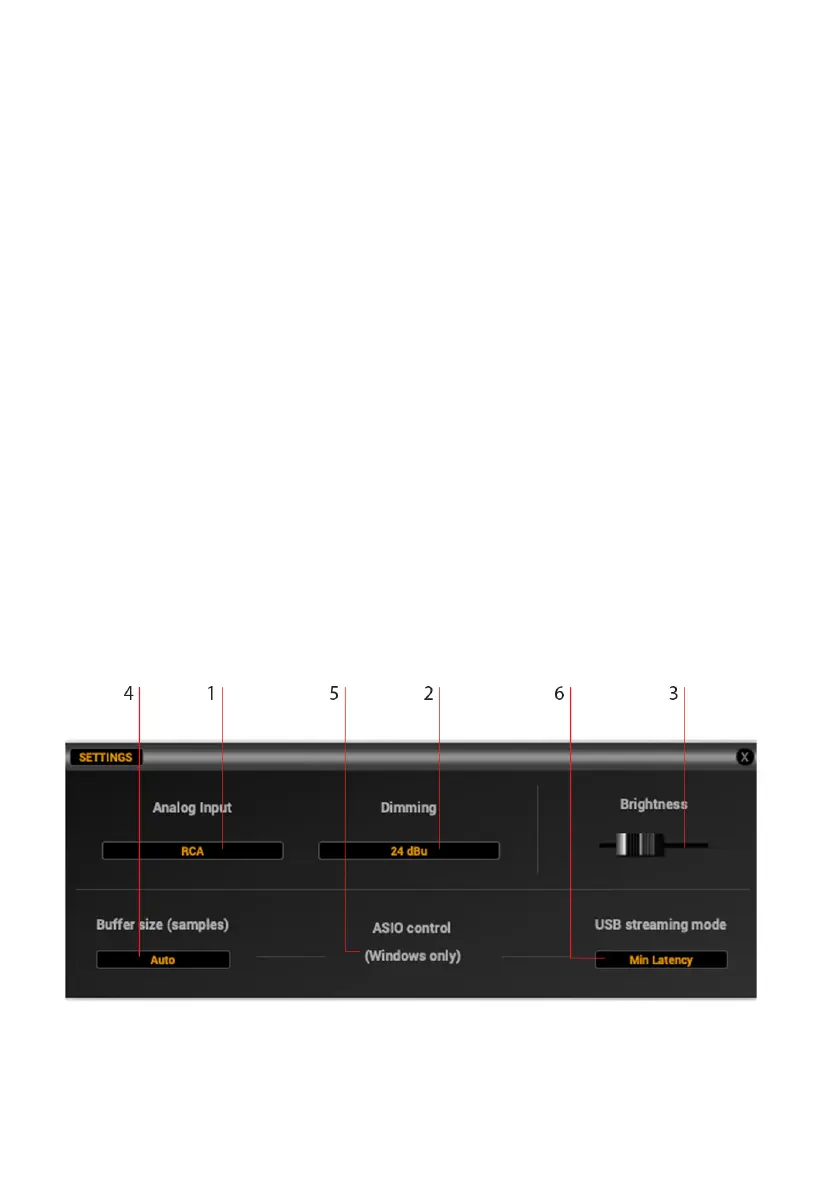
Opens the Amari Settings menu. There, the following options are available:
6.1. Analog Input source select dropdown menu
6.2. Dimming dropdown menu


 To Next Page