!
!
!
!
!!
Discrete 8 Synergy Core User Manual
Page 33
Input Type Button ('mic' symbol)
マイク、ライン、Hi-Z(⼊⼒ A1〜A2)のいずれかの⼊⼒をクリックして切り替えることができます。
Mic Emulations Button ('cog' symbol, when in mic mode)
クリックして「Mic Emulations」ウィンドウを開きます。詳細については、Edge & Verge Mic
Emulations の章を参照してください。
5.3.4. Input Selectors
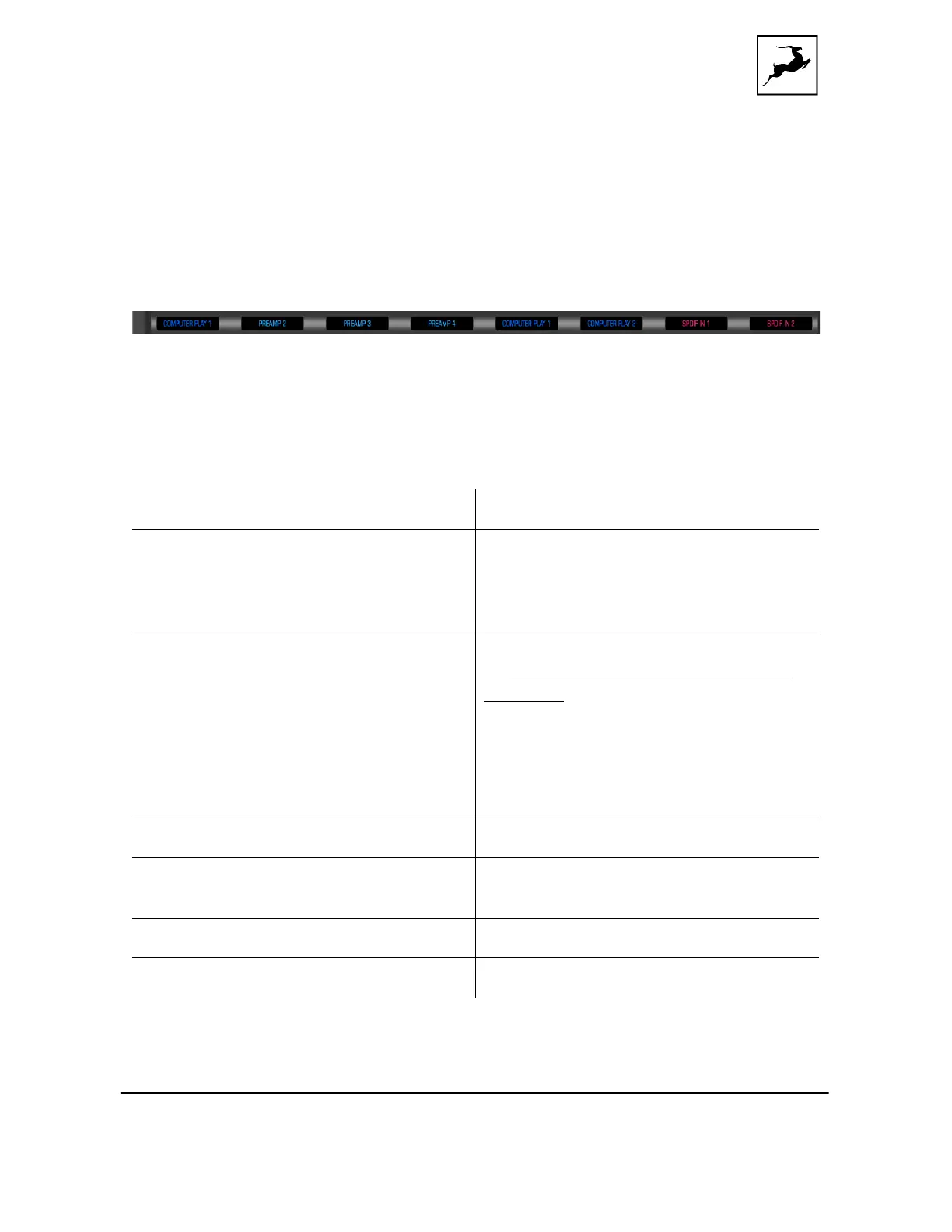
⼊⼒セレクターは各アナログおよびデジタル出⼒チャンネルの上にあります。⼊⼒セレクターをクリックして、
関連する出⼒チャンネルに割り当てられたオーディオ⼊⼒を選択します。次の選択肢があります。
These are the four mic/combo inputs.
These are the four mic/combo inputs with
Edge & Verge Mic Emulations applied.
This way, you can record 'dry' and 'mic
emulation' audio on different channels.
These inputs represent DAW Outputs 1 -
32. This is where you receive audio from
your DAW. Assign an audio track to
Output 1 – 32 in your DAW and choose the
COMPUTER PLAY input with the same
number. This way, you can route DAW
audio to the analog and digital outputs
and apply Synergy Core FX to it.
ADAT audio inputs 1 - 16.
Two channels of inco ming S/PDIF stereo
digital audio.
Choose to mute this channel
Te s t s i g n a l f r o m o s c i l l a t o r 1 o r 2 .



 To Next Page