Antelope Audio ZEO User Manual
Page 9
macOS
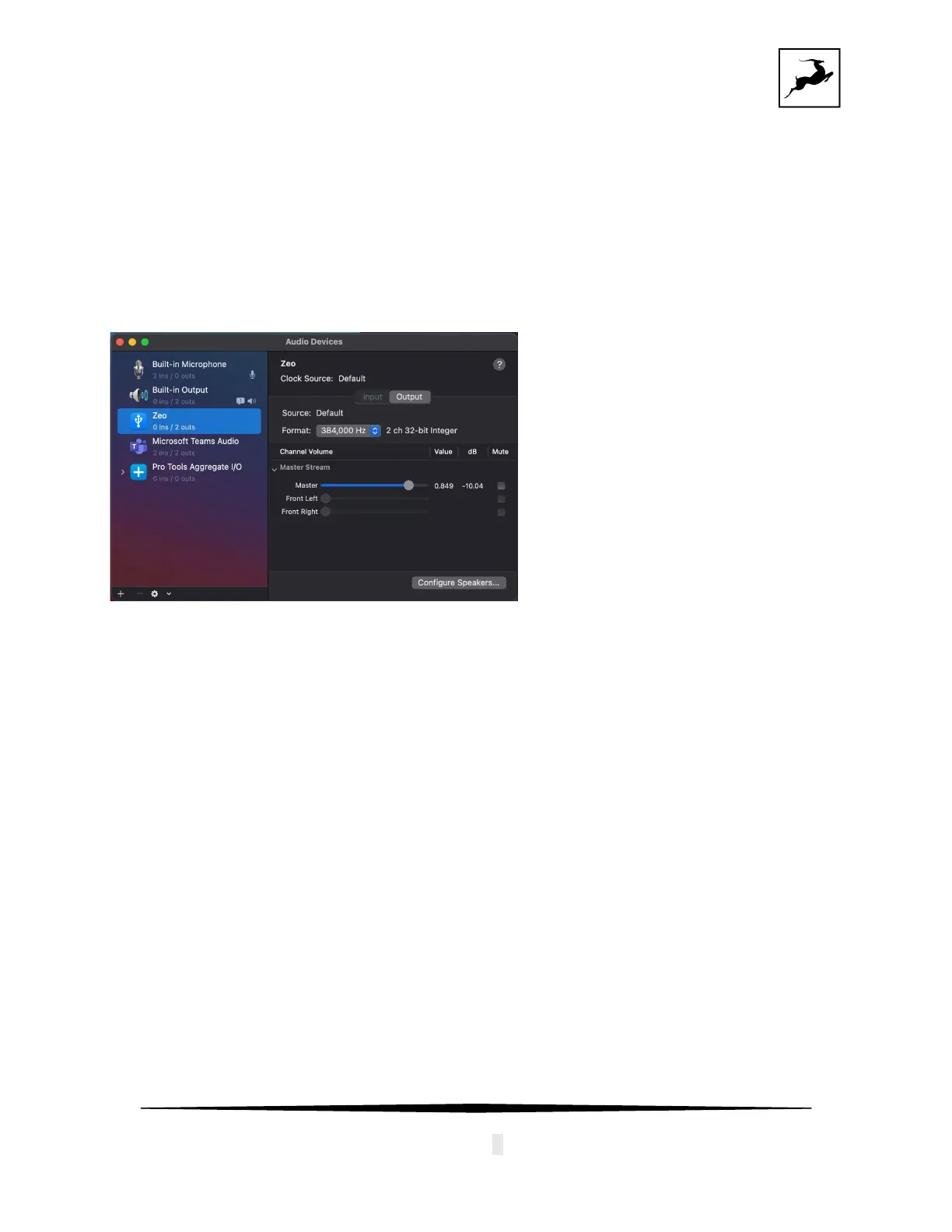
ZEO is natively compatible with macOS systems, and it does not require additional drivers to
be installed. Once the device is plugged, the computer will recognize it and it will show up in
“Audio MIDI Settings” and “Sounds” tab:
•
Volume can be adjusted from the Volume Slider.
• Sample rate can be changed from the drop-down menu “Format”.
If you are using ZEO with a DAW, it will automatically follow the Sample rate of the DAW
without the need to change it from “Audio MIDI Settings”.
The device will appear as Core Audio driver in your DAW.


 To Next Page