Antelope Audio ZEO User Manual
Page 7
CONNECTIVITY AND LED LIGHTS EXPLAINED
ZEO has
the following hardware components:
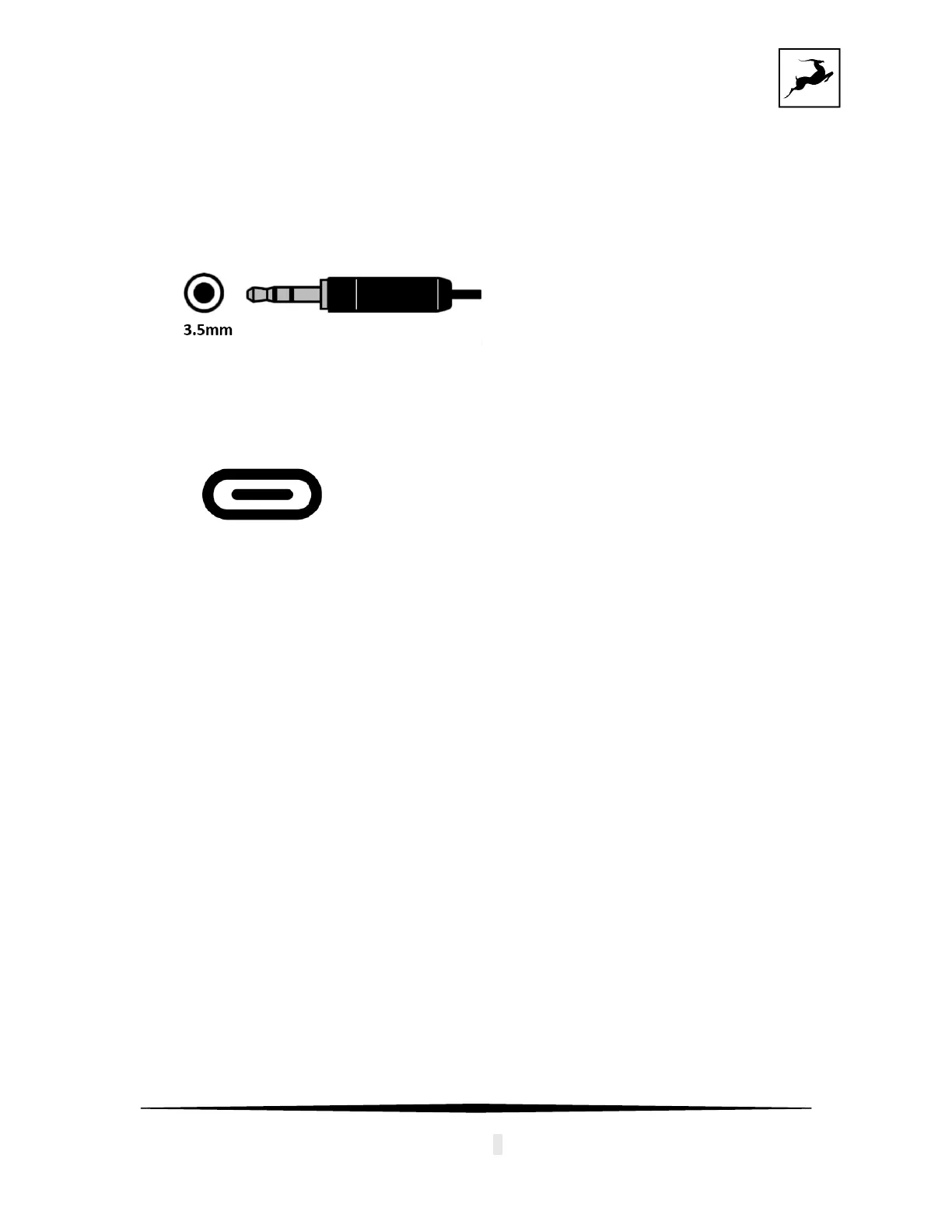
• 1 x 3.5mm Headphone output
The оutput
can send signal to different headphones and aux cables.
• 1 x USB-C port
for playback and power supply
The por
t can be connected to a USB-C port of a smartphone, tablet or computer with
the provided USB-C to USB-C cable or together with the USB-C to USB-A adapter
into a USB-A port.
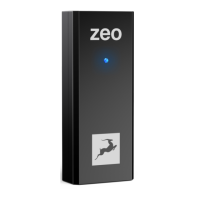
• 1 x LED light with 3 colors, showing the state of the device
Gr
een: the device is powered on, but no audio is playing
Blue: the device is connected and playing Audio
Cyan: the device is connected and playing DSD DoP format


 To Next Page