EN
71
PICTURE
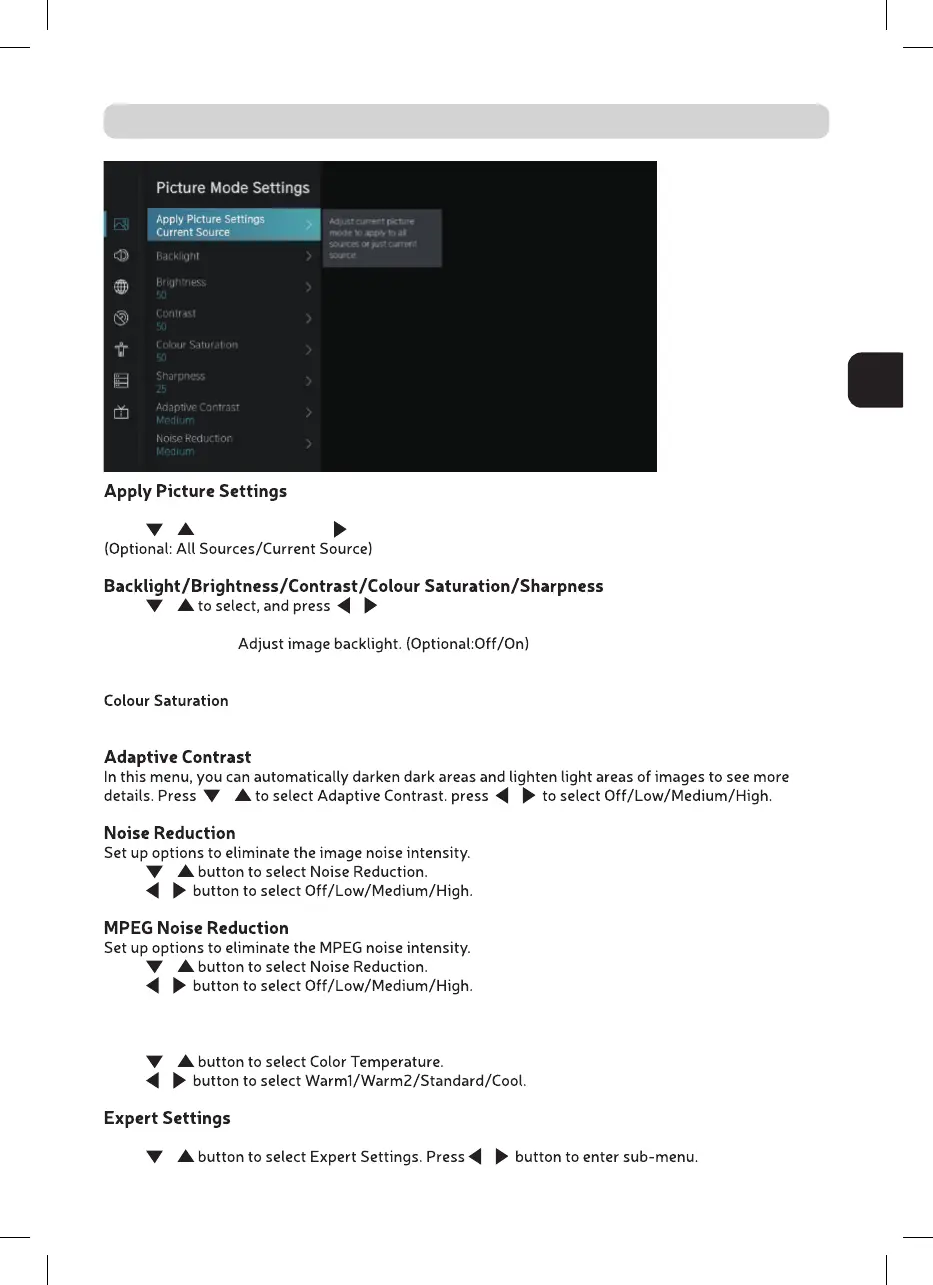
In this menu, you can adjust current picture mode to apply to all sources or just current source.
Press
/ to select, and press or OK to enter.
Press / / to adjust.
Backlight
Brightness Adjust image brightness.
Contrast Adjust image contrast.
Adjust image color density.
Sharpness Adjust the image edge sharpness.
/ /
Press
/
Press
/
Press
/
Press
/
Color Temperature
Adjust the overall color of the image.
Press
/
Press
/
Adjust the color space and Gamma to best suit the content you’re viewing.
Press
/ /



 To Next Page