72
PICTURE
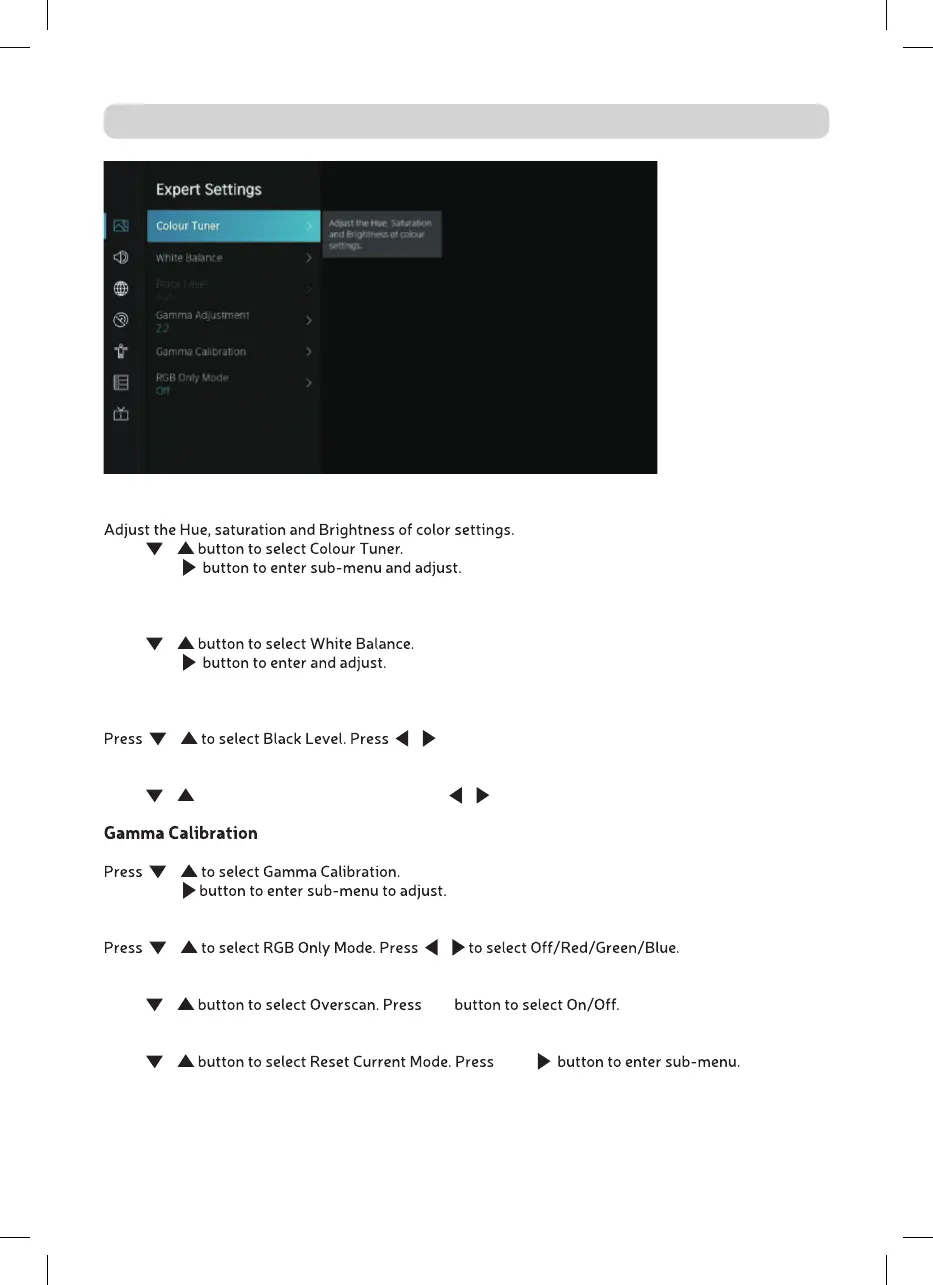
Colour Tuner
Press
/
Press OK /
White Balance
Adjust the intensity of red, green and bule lights to view the true colors of all images in the picture.
Press
/
Press OK /
Black Level (Only available on HDMI source)
In this menu, you can adjust the HDMI signal range to be more suitable for content.
/ / to select .
Gamma Adjustment
Press / to select Gamma Adjustment. Press / to select 1.8/2.0/2.2/2.4/2.6.
In this menu, you can adjust the Gamma curve which one you selected.
/
Press OK /
RGB Only Mode
/ /
Overscan
Press / OK
Reset Current Mode
Press / OK /



 To Next Page