EasyManua.ls Logo

Anycom Milos-9 - User Manual

Anycom Milos-9
76 pages
Go to English
Print Icon
To Next Page IconTo Next Page
Loading...
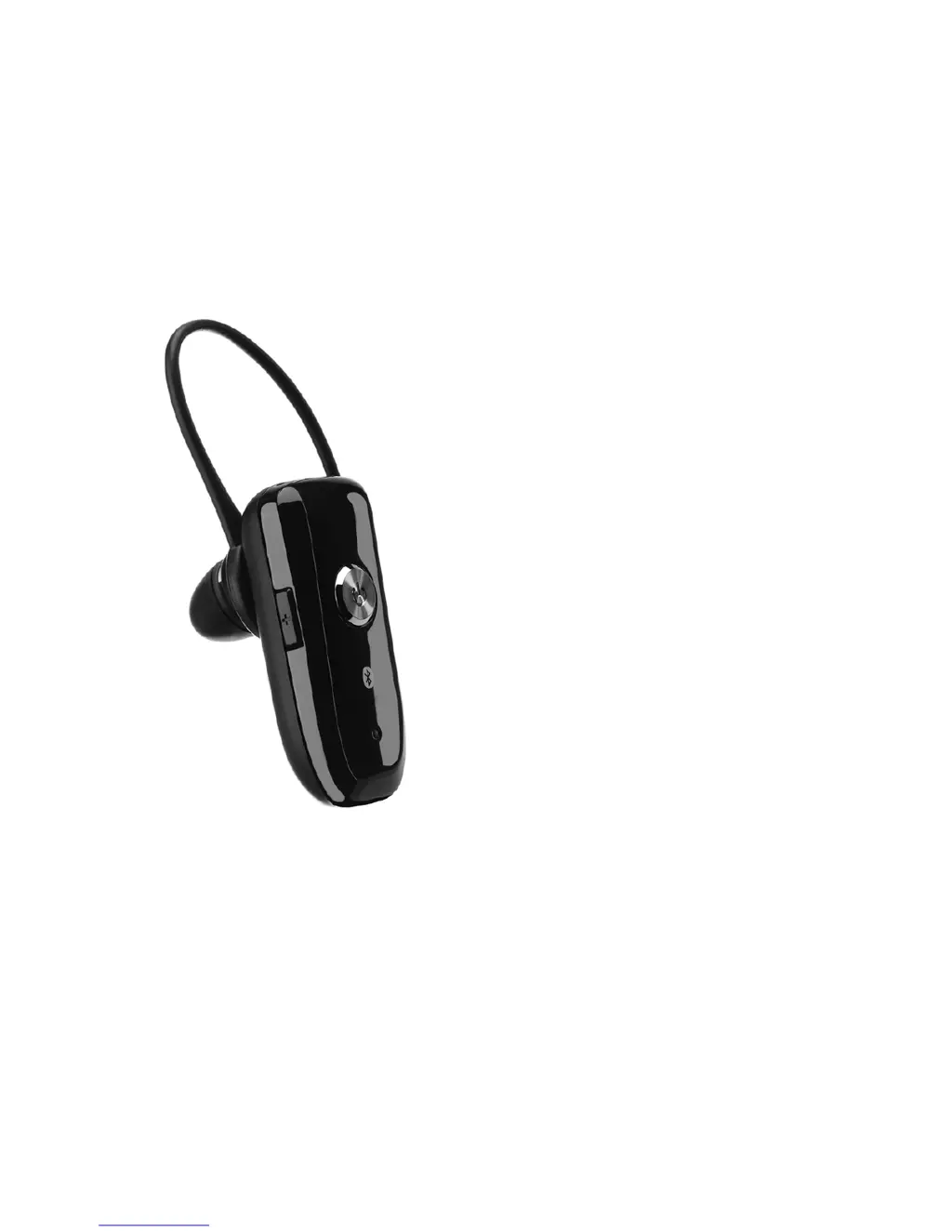
Bluetooth Headset
MILOS-9
Bedienungsanleitung
User Manual
Mode d'emploi
Manual de instrucciones
Gebruiksaanwijzing
Instruções
Manuale d'uso

Table of Contents

Other manuals for Anycom Milos-9

Questions and Answers

  • A
    Abigail DanielsJul 31, 2025
    Why can't I communicate using Anycom Milos-9?
    • T
      Thomas McbrideAug 1, 2025
      If you are unable to communicate using your Anycom Headsets, there might be a couple of reasons. First, your mobile phone may not support the 'headset' and/or 'hands-free' profiles, which are essential for the headset to function correctly. You might need to search for options such as headset or audio device in your mobile phone settings. Also, ensure that the battery is sufficiently charged, as low battery power can also cause communication issues.
  • W
    whiteamandaAug 14, 2025
    How to pair Anycom Headsets with a Bluetooth mobile phone?
    • T
      Tyler ParkerAug 14, 2025
      To pair your Anycom Headsets with a Bluetooth mobile phone, first, press the MFB (Multi-Function Button) for 2 seconds to turn on the headset. If that doesn't work, with the power off, press and hold the MFB for at least 5 seconds to put the headset into pairing mode.

Summary

Package Contents

Charging the Battery

Turning On;Off the Headset

Pair to Your Bluetooth Phone

Wearing Your Headset

Making a Call

Using Phones Keypad

Dial number using phone keypad and press send/call key. Press MFB for 2 seconds if call does not transfer.

Using Voice Dial

Use voice commands for calls after a short MFB press. Ensure voice dialling is set up on the mobile phone.

Last Number Re-dial

Press and hold volume down until 4 tones are heard to activate last number redial.

Ending a Call

Reject an Incoming Call

Answering a Call

Transferring a Call

Volume Control & Mute Function

Summary of Button Operation

Troubleshooting

Additional Information

Safety

Anycom Milos-9 Specifications

Power and Battery IconPower and Battery
charging timeUp to 3 hours
power supply100-240 V
battery capacity130mAh
Bluetooth and Connectivity IconBluetooth and Connectivity
bluetooth specificationBluetooth 2.0 + EDR
rangeUp to 30 feet / 10 meter
supported profilesHeadset (HS), Handsfree (HF)
Usage Time IconUsage Time
talk timeUp to 9 hours
standby timeUp to 190 hours
battery typeLithium Polymer Battery (3.7V)
Dimensions and Weight IconDimensions and Weight
dimensions1.77 x 0.73 x 1.02 inches / 45 x 18.5 x 26 mm
weight0.28 ounces / 9 grams