16
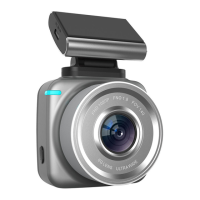
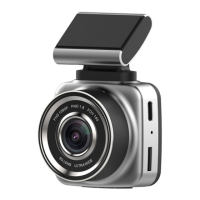
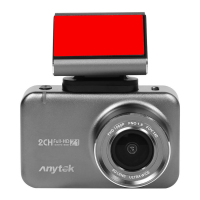
Dash Cam.
Why is the DASH CAM not turning on in the car?
Please check and make sure that there is power in the
cigarette lighter socket of your car.
Micro SD card not recognised by DASH CAM?
Format card in the Dash Cam’s menu setting’s before
use.
A coloured tinge showing up in the video?
Make sure to peel off the transparent protective sticker
on the front of the Dash Cam's lens.
Technical assistance
If you need assistance setting up or using your Anytek
product now or in the future, call Anytek Support.
TEL: 400-9300-520
Mon-Sat 8am – 6pm
Please retain this user guide for future reference


 To Next Page