EN8
Note
Note
• To disconnect a device, press and hold
for 3 seconds until the Power/
Bluetooth LED indicator blinks white
and blue.
• To clear the pairing information, press
and hold for 8 seconds until the
Power/Bluetooth LED indicator blinks
white quickly for 3 times.
Multi-point control
The product supports multi-point feature,
and can connect two Bluetooth devices
at the same time.
Incoming call has priority over music
playback regardless from the first or
second device.
•
Under Stereo or PartyLink mode, multi
-point control is not supported.
•
There is a voice prompt when the
second Bluetooth device connects the
speaker.
Once it is connected wtih two Bluetooth
devices, you can select audio source
from either device.
•
•
•
Note
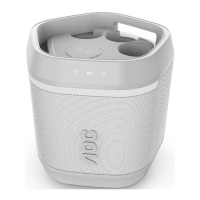
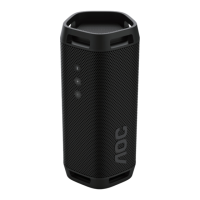
PartyLink mode
Partylink is a multi-device connection
solution that connects multiple speakers
wirelessly to provide a rich audio
experience. The speaker can connect up
to 100 AOC speakers together (across
AOC O1, O2 and O3) and play audio at
the same time.
Enter PartyLink mode:
1 Select one speaker as the master
speaker to connect with the Bluetooth
device. Power indicator turns solid blue
once Bluetooth is connected. Then,
press PartyLink button for 3 seconds to
enter PartyLink pairing mode, you will
hear a voice prompt and the Power/
Bluetooth LED indicator of the master
speaker blinks white and blue
alternatively.
2 Press and hold PartyLink button on all
other speakers for 3 seconds to enter
PartyLink pairing mode. When PartyLink
is connected, you will hear a voice
prompt on the slave speakers and
their power indicators turn solid white.
Volume level on slave speakers will
sync from the master speaker after
PartyLink connected.
3 Press and hold PartyLink button on
the master speaker. All speakers will
exit PartyLink mode.
During PartyLink pairing mode, slave
speaker will return to previous state
automatically after 1 minute without
user operations or PartyLink pairing is
not successful.
There is no timeout on master speaker.


 To Next Page