You can enable/disable the Voice Clarity of Speakers here. After enabling the Voice
Clarity, you can adjust the Voice Clarity Level (0-6) and the Noise Suppression(0-
20dB).
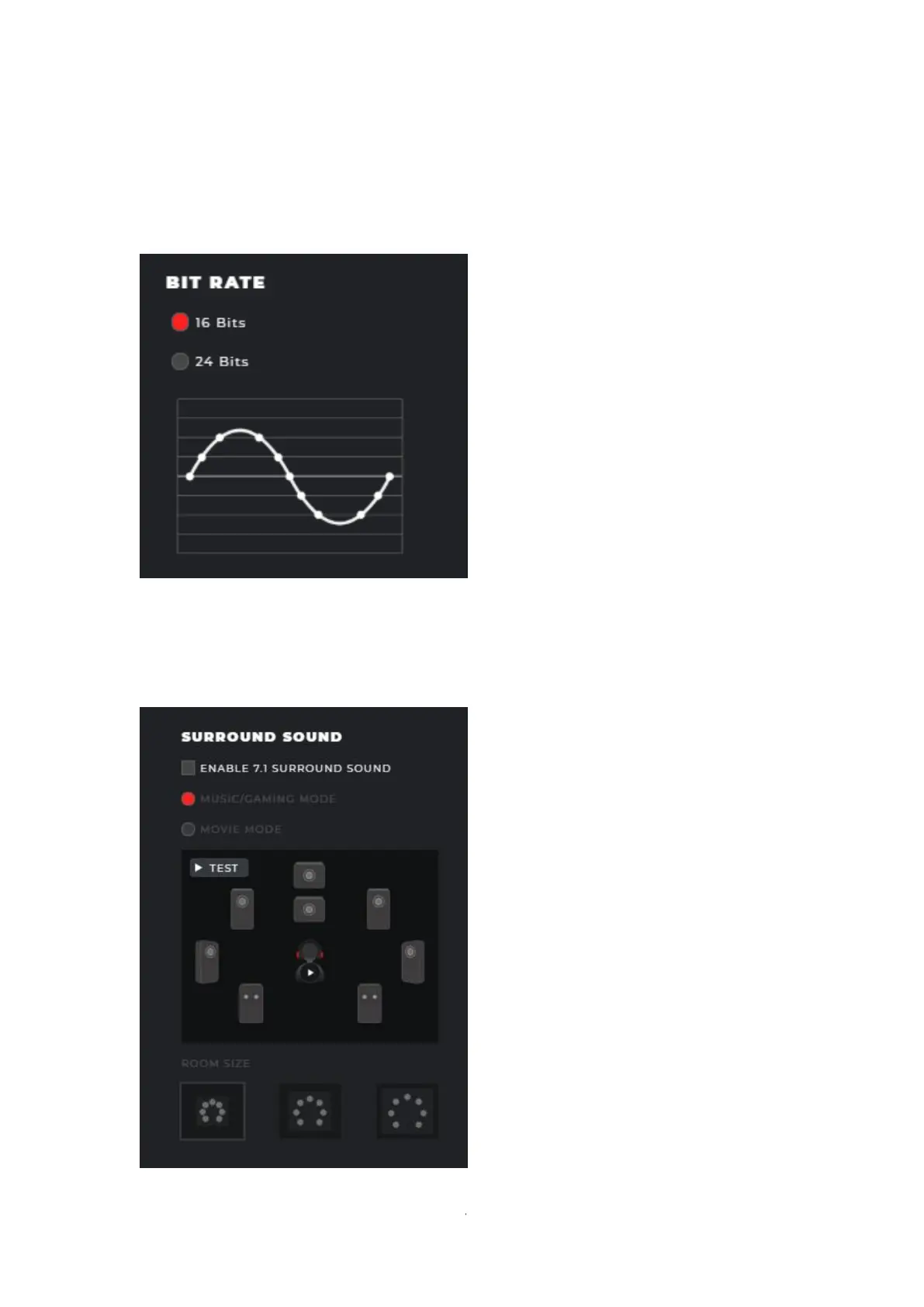
⚫ BIT RATE (Default=16 bits)
You can adjust the bit rate on the speakers here (16/24 Bits).
⚫ SURROUND SOUND (Default=Disabled)



 To Next Page