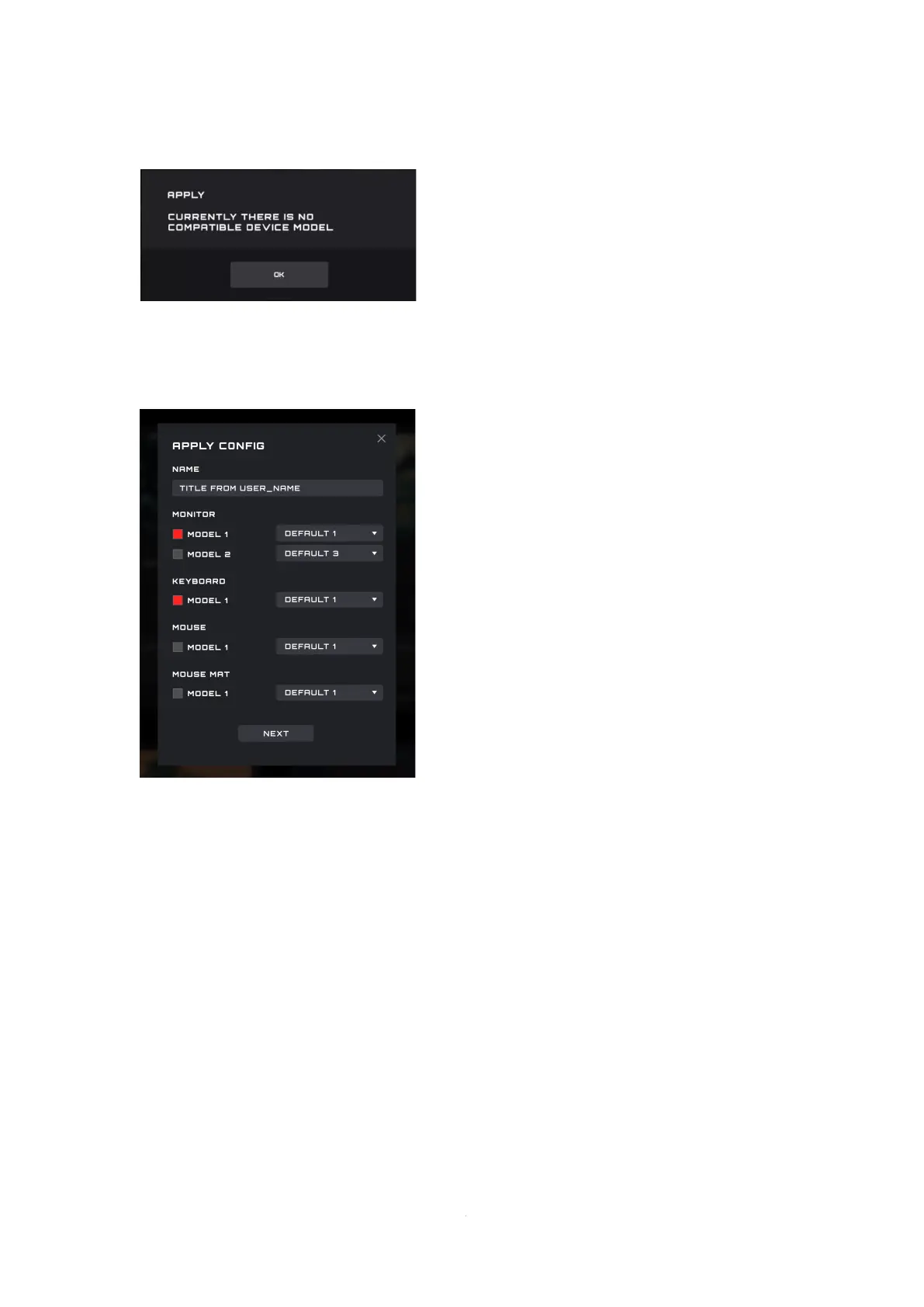
If there is currently no compatible device available an error will appear.
◼ Click the OK button to close.
9.9.2 Configure
⚫ Name
Enter a name for the configuration.
⚫ Devices
Select your specific device models.
⚫ Profile
The current profile is displayed by default, and the selection cannot be switched.
⚫ Close
Click the Close button to cancel the configuration.
⚫ Next
Click the Next button to apply the current profile to your device(s).



 To Next Page