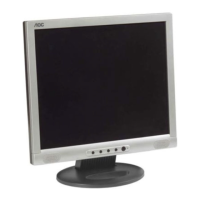
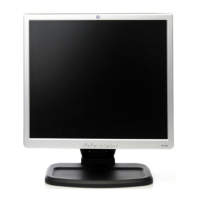
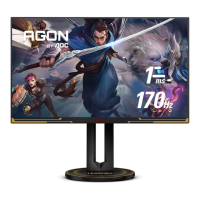
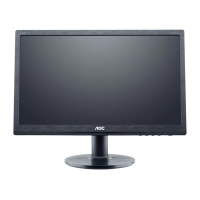
AOC LM520
7
v3_123102
AOC LM520
Before You Operate the Monitor
Adjusting the Viewing Angle
For optimal viewing, adjust the monitor's angle to
your own preference.
• Hold the stand firmly when you change the
monitor's angle.
• You can adjust the monitor's angle from
-5° to 25°.
• Do not touch the LCD screen when you
change the angle. It may cause damage or
breakage.
• Be careful to avoid pinching your hand in the
swivel base.



 To Next Page