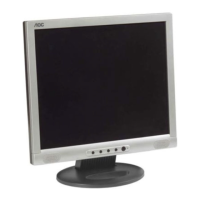
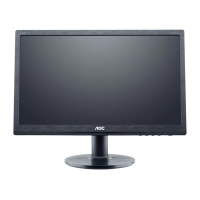
AOC LM520
9
v3_123102
AOC LM520
Before You Operate the Monitor
Install An Optional Wall Mounting Arm (Not Supplied)
Follow these steps to finish installing the wall mounting arm:
1. Place the wall mounting arm onto the back of the monitor. Line up the holes of the arm with the holes in
the back of the monitor.
2. Insert the 4 screws into the holes and tighten.
3. Insert the power cable into the slot on the back of the monitor.
NOTE: AOC’s LM520 is compatible with the Ergotron line of mounting and arm solutions. Visit their
website at www.ergotron.com for more information on the many ways on which you can mount your AOC
LCD monitor.



 To Next Page