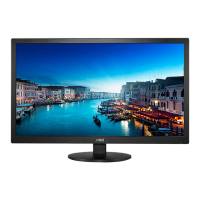
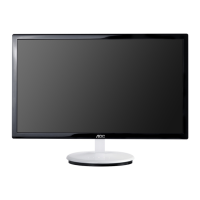
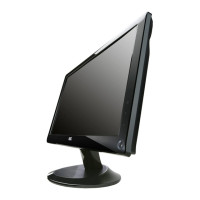
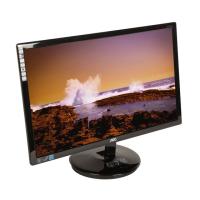
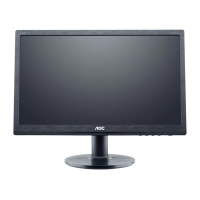
19" LCD Color Monitor AOC M19W531
45
2. Switch the MEM.channel to Channel 9 (with up or down arrow on chroma 7120)
3. The LCD-indicator on chroma 7120 will show x = 313±28, y = 329 ±28, Y=150±30cd/㎡
4. Adjust the RED of color 3 on factory window until chroma 7120 indicator reached the value R=100
5. Adjust the GREEN of color 3 on factory window until chroma 7120 indicator reachedthe value G=100
6. Adjust the BLUE of color 3 on factory window until chroma 7120 indicator reached the value B=100
7. Repeat above procedure (item 4,5,6) until chroma 7120 RGB value meet the tolerance =100±2
D. Turn the Power-button off to quit from factory mode.



 To Next Page