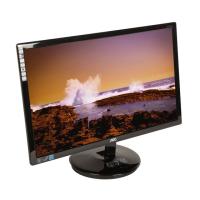
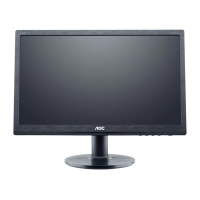
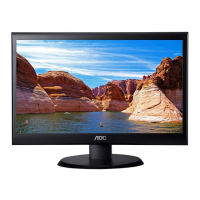
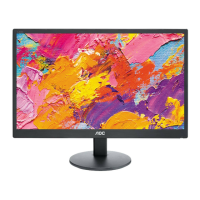
19" LCD Color Monitor AOC M19W53
6
2.2 Control Buttons
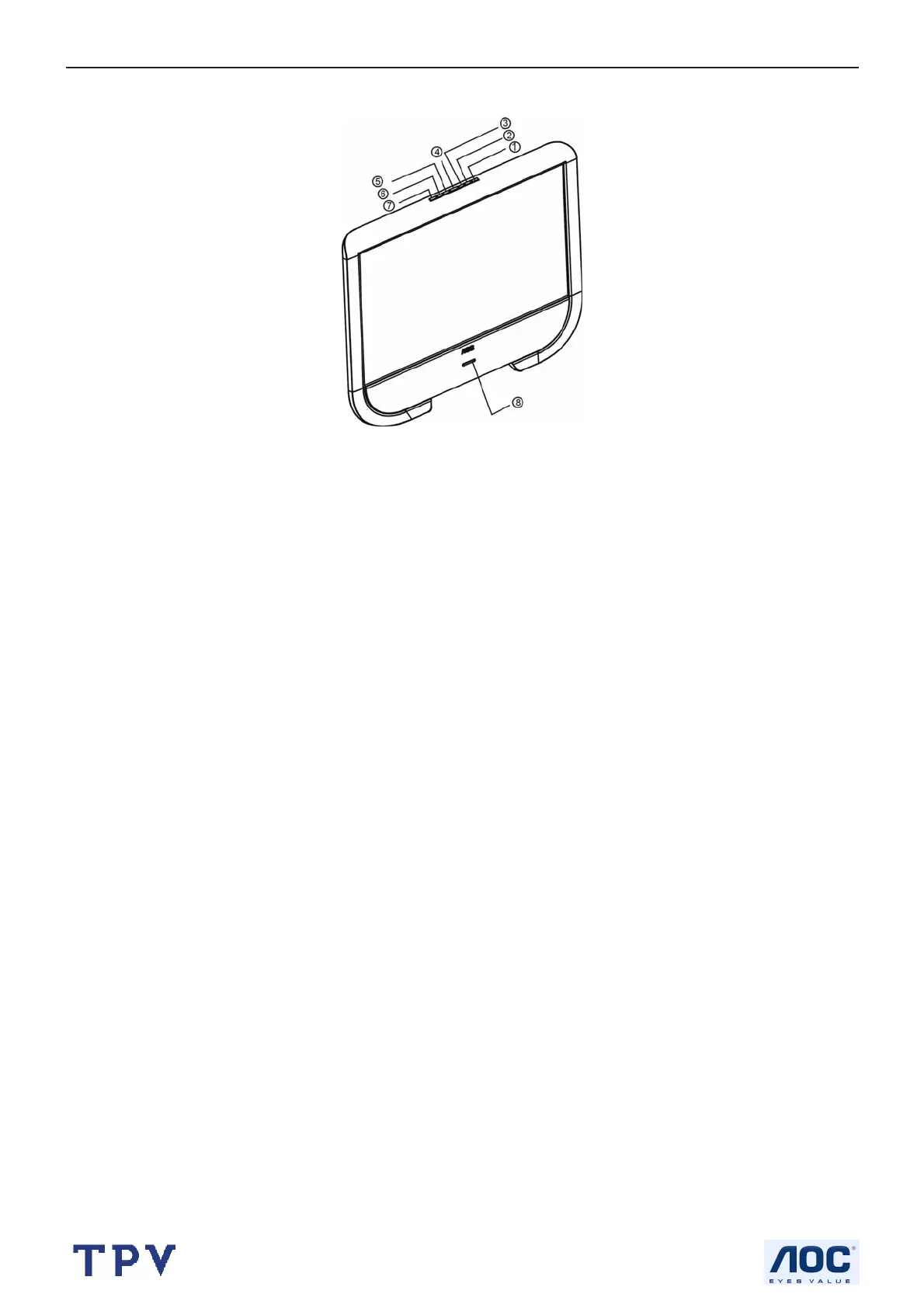
FRONT PANEL CONTROL KNOBS
MENU Key① : Press to show the OSD menu and exit OSD menu at the TV.
AUDIO Key②: Adjustment volume hot key.
ECO Mode Key③: Press to select the ECO Mode.
Power Key : Press to turn on or off the TV
Auto Adjust Key⑤: The Auto Adjustment function is used to set the HPos, VPos, Clock and Focus in VGA Mode.
Source Key⑥ : Press to select your input source.
Light Sensor⑦: When you turn on the light sensor in the menu, the brightness will change as the light of
environment.
Remote Sensor and Microphone⑧: It will receive the information from the Remote Control and voice by
Microphone.



 To Next Page