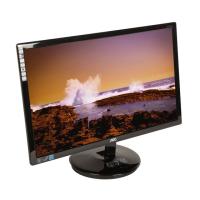
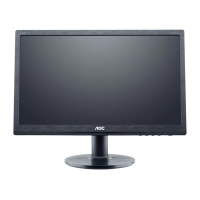
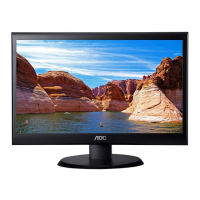
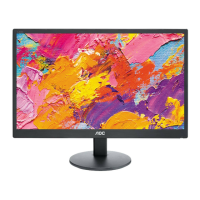
19" LCD Color Monitor AOC M19W53
7
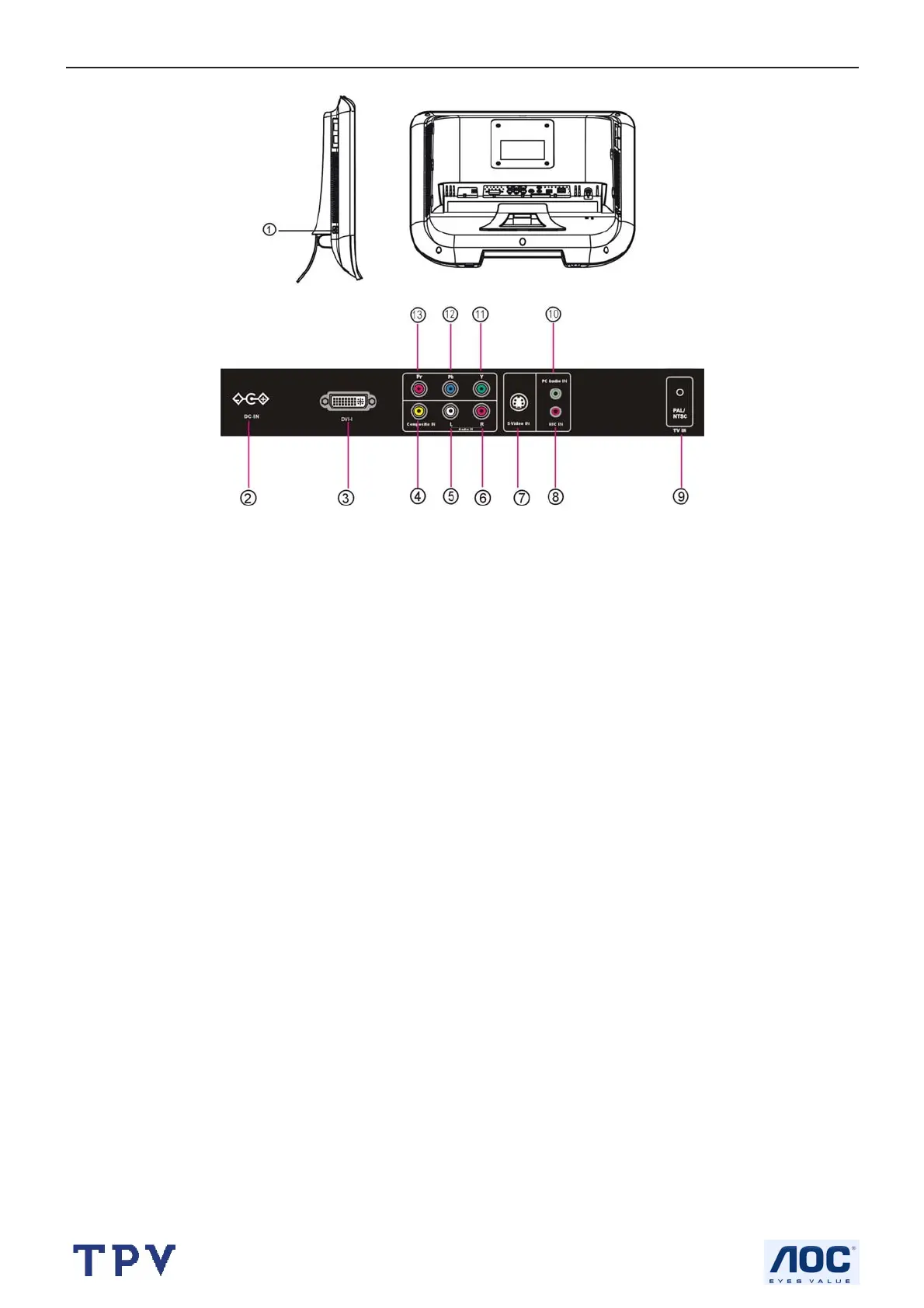
2.3 Connector
1: Headphone outlet
2: DC power input terminal
3: DVI-I input
4: AV signal input
5: Left video/audio track input
6: Right video/audio track input
7: S-Video signal input
8: Microphone input
9: TV signal input
10: PC audio input
11, 12 and 13: Y Pb Pr Component signal input
VGA/DVI: Receive the signals from the host, which is used as the display of the computer.
AV: Receive the video/audio signals of the NTSC, PAL.
S-VIDEO(S-VHS): i.e. video Y/C component. Receive the HD Y/C component signal.
Y Pb Pr: The modes it supports are HD signals such as 480i, 480p, 576i, 576p, 720p ,1080 i.
TV: Receive the TV signals of NTSC-M, PAL-M/N.
2.4 Adjusting the Picture
To use the menu
1. Press the MENU button to display or close main menu.
2. Use the cursor up/down to select a menu item.
3. Use the cursor left/right to enter a submenu or enable/disable the function.
4. Press the MENU button to exit the menu.
MAIN MENU
Press the MENU button to enter the main OSD (On Screen Display). Adjust the items including Picture Setup, Audio
setup, TV Setup, Function Setup and OSD setup.



 To Next Page