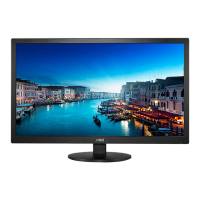
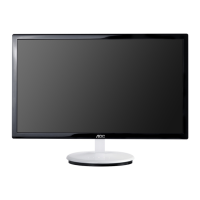
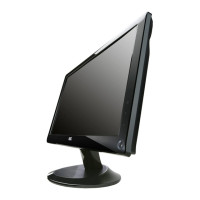
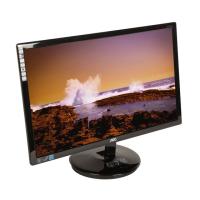
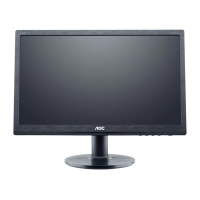
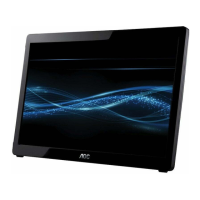
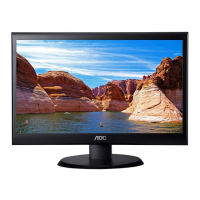
19" LCD Color Monitor AOC M19W53
8
When the input source is Video, S-Video or YPbPr mode, the Sound Setup, Picture Setup, OSD Setup and Function
Setup can be selected;
When the input source is TV mode, the Sound Setup, Picture Setup, OSD Setup, Function Setup and TV Setup can
be selected.
Sound Setup (Same as in DVI, VGA, TV, Video, S-Video and Components modes)
1.Bass/ Treble / Balance : The range can be adjusted from 0~100.
2.Sound mode: you can set it “stereo”. “eala L”. “eala s” .“OFF”.
3.Source:When PIP it’s turn on. You can choose audio input by main-window or sub-window.
Picture Setting
When the input source is in VGA or DVI mode, you can select Contrast, Brightness, Position, Clock, Phase, Color



 To Next Page