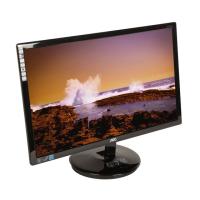
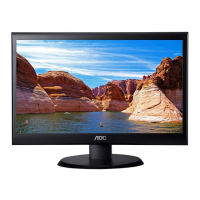
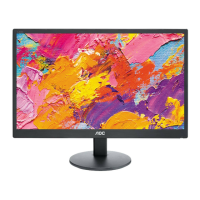
19" LCD Color Monitor AOC M19W53
9
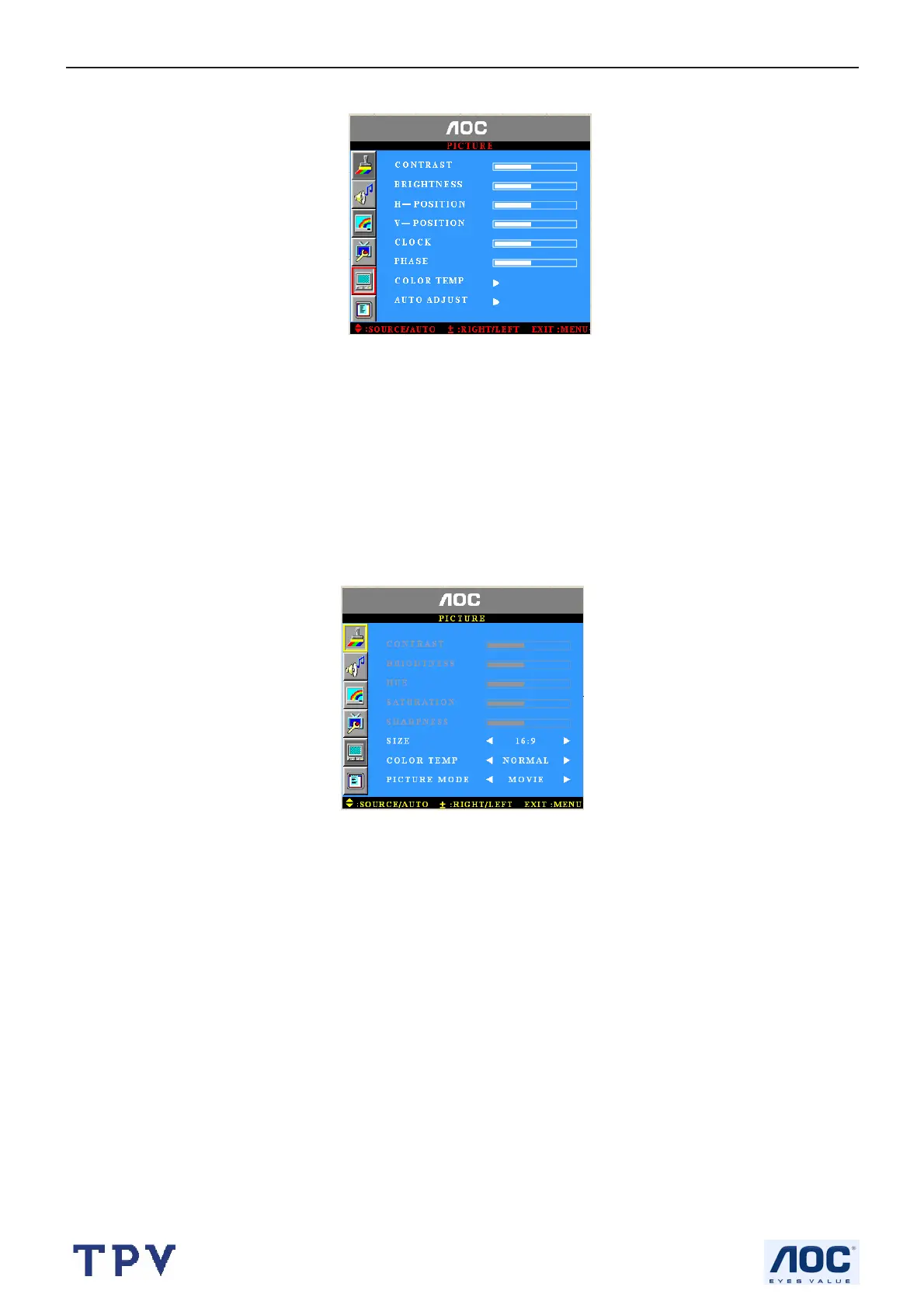
Temp. Auto Adjust,
1.Brightness and Contrast: The range can be adjusted from 0~100.
2.H-Position and V- Position: The range can be adjusted from 0~100.
3.Clock: The range can be adjusted from 0~100.
4.Phase: The range can be adjusted from 0~100.
5.Color Temp.: There are four options of color temperature provided for users -normal, cold, user and Warm. You
can select the three-color temperatures of normal, cold and warm or manually adjust red, green or blue in the user
setting (you can only adjust red, green and blue in the user setting).
6.Auto Adjust: Automatically adjust VGA input to the optimal screen size
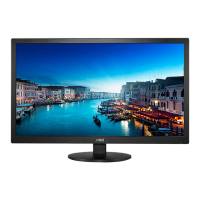
When the input source is in TV/Video/S-Video/YPbPr mode, you can select Contrast, Brightness, Hue, Saturation,
Sharpness, Size, Color Temp, Picture mode;
1: CONTRAST: You can adjust contrast from 0~100
2: BRIGHTNESS: You can adjust brightness from 0~100
3: HUE: You can adjust HUE from 0~100
4: SATURATION: You can adjust saturation from 0~100
5: SHARPNESS: You can adjust sharpness from 0~100
6: SIZE: You can change in 16:9,4:3,ZOOM1, ZOOM2 mode
7: COLOR TEMP: You can choose in NORMAL,WARM and COOL temperature
8: PICTURE MODE: You can choose in USER, STANDARD, MOVIE, VIVID mode
Function Setup
When the input source is in all mode, you can select Sleep Timer, Smart sensor , But PIP-windows just only for
VGA/DVI mode



 To Next Page