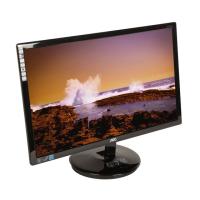
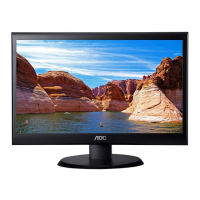
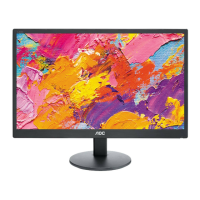
19" LCD Color Monitor AOC M19W531
5
2. Operating Instructions
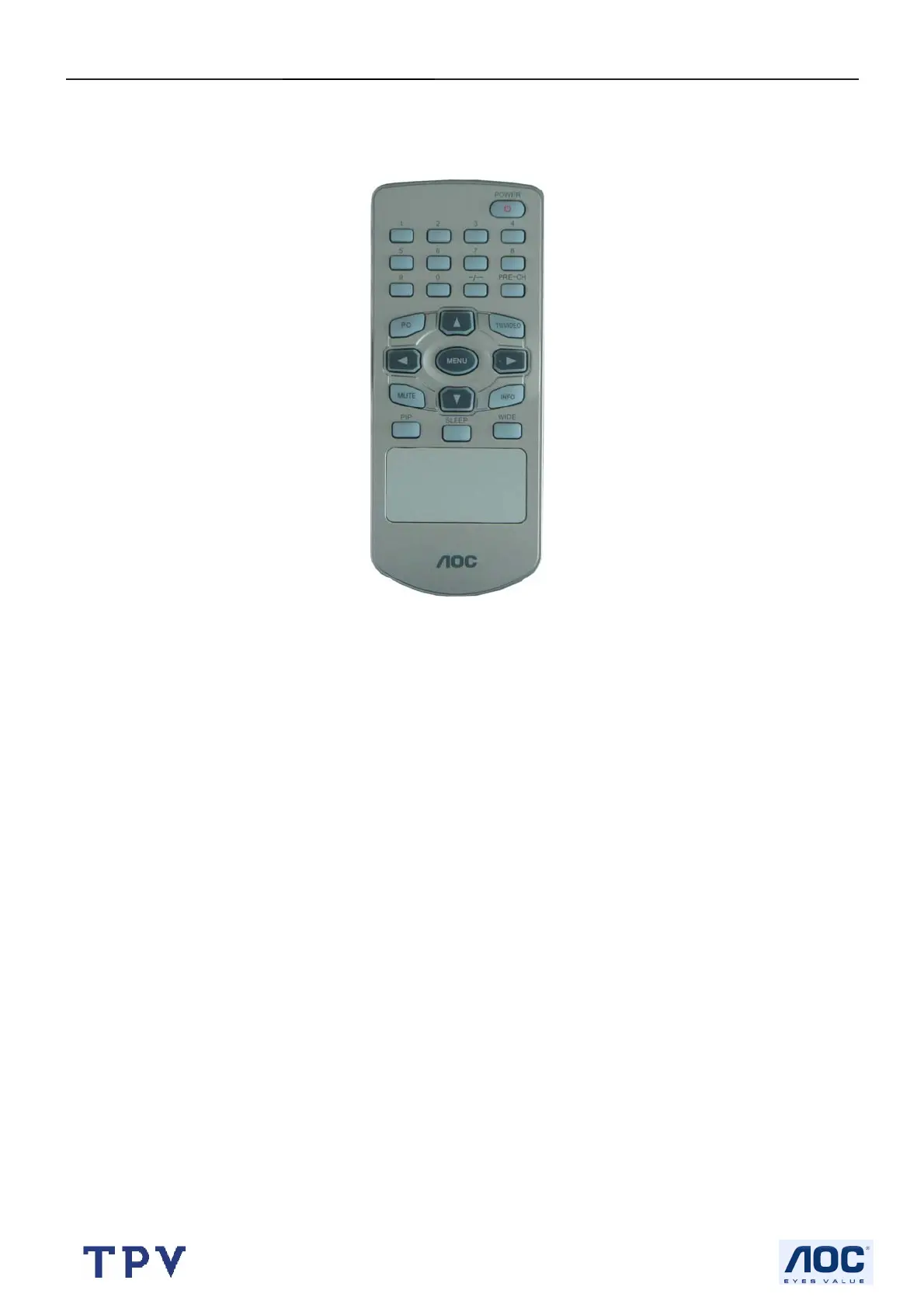
2.1 The Use of Remote Control
Turn on the PIP function or
0~9/ ~/~~ Digit buttons
To select a TV channel.
PC
Select your input source:
press repeatedly to select
VGA.DVI
Up & Down
Press Up and Down
we can select the submenu
or adjust the
TV channel.
MENU
Press repeatedly to
display OSD menu
MUTE
Temporarily interrupt the
sound or restore it.
PIP
Change the sub-window size
SLEEP
With this key you can set a
time period after which the
TV should switch itself to
standby. Press the key
repeatedly to select the
number of minutes. The
counter runs from
15.30.45.60 minutes
POWER
Press to turn on/off the
TV. The TV is never
completely powered off
unless it is physically
unplugged.
PRE-CH
To display the previously
selected TV channel.
TV/VIDEO
Select your input source:
press repeatedly to select TV,
Video, S- Video, YPbPr
Left & Right
Press Left and Right ,we can
change the Setting of
submenu or adjust the
volume.
INFO
Press this button to
Display Channel number
on the right-top corner
WIDE
Change the main-window
size. The counter runs from
4:3.16:9. ZOOM1.ZOOM2



 To Next Page