- 32 -
8.1.3 Receiving and reading e-mail
When a new e-mail is received, the notification bar will show the new
e-mail
( ) icon.
Perform one of the following to read your e-mail:
· Touch the notification bar, and touch the new e-mail to read.
· Touch the unread e-mails in the Inbox to read.
8.1.4 Managing e-mail
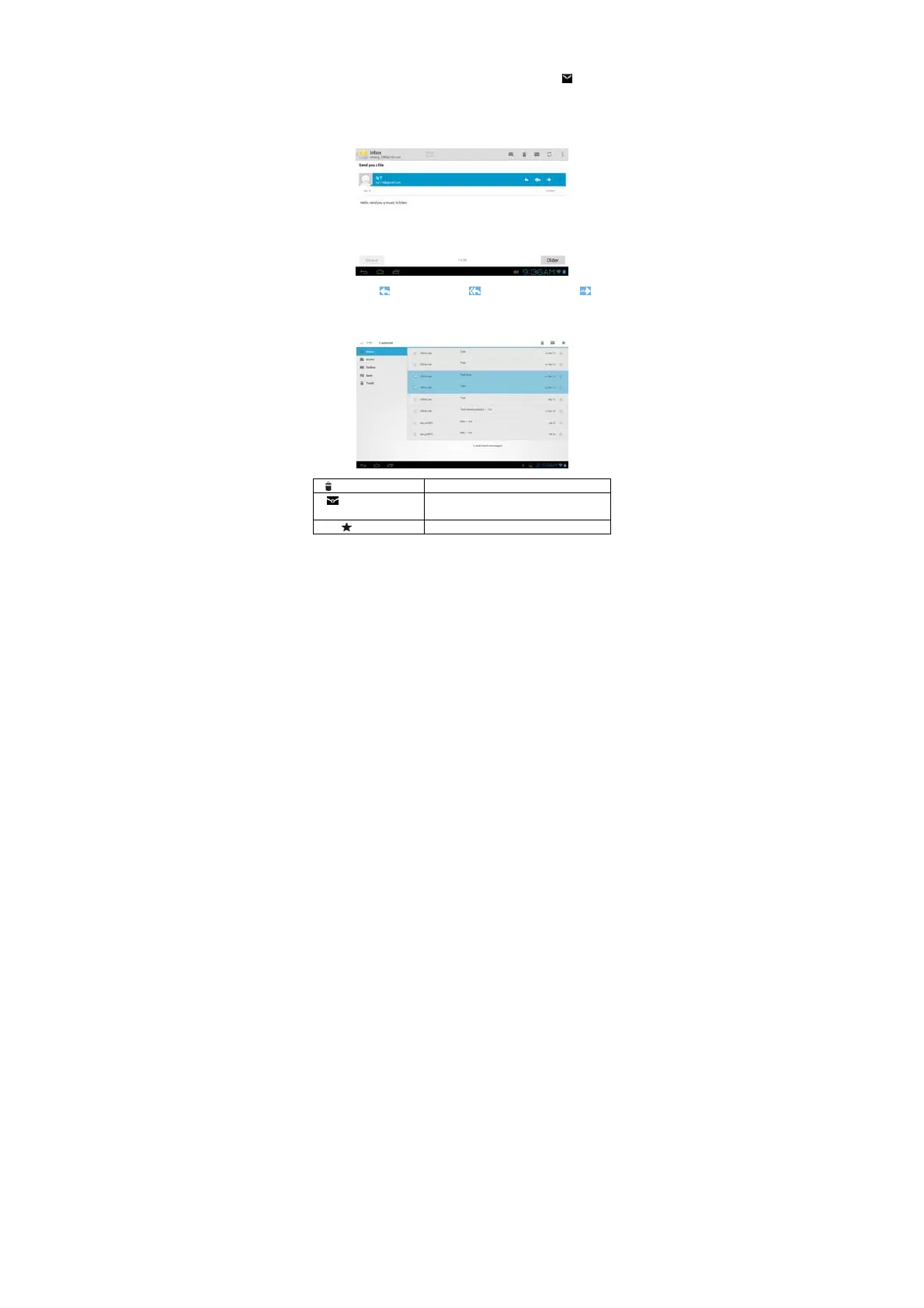
Open an e-mail, touch “ ” icon to reply, touch “ ” icon to reply all and touch “ ” icon to
forward the email.
Touch mini-box in front of the e-mail to show the menu:
“ ” Delete Delete the e-mails.
“ ” Mark as read/unread The unread e-mails in the Inbox are highlighted
with white background.
Add “ ” (Star) Flag with a Star


 To Next Page