14
Setting the ring group:
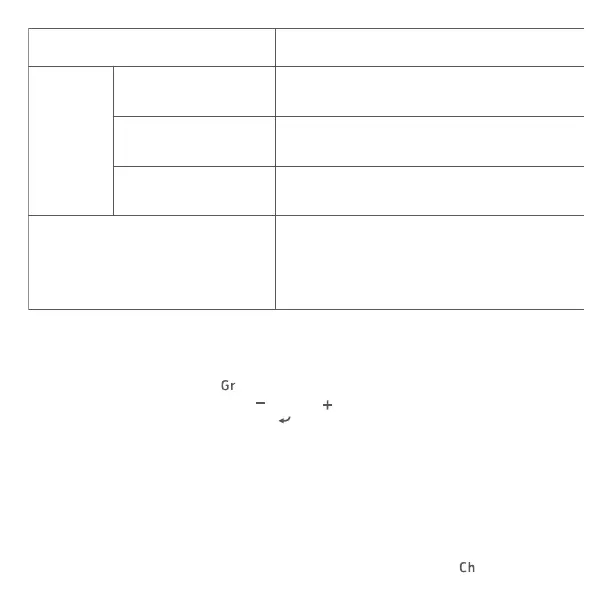
Press function button 3 <
>, the ring group parameter will ash on the
LCD; press function button 2<
> or 3< >to select from A/B/C/D/E; press
power button or function button < > to exit the setting.
2. Setting transmission channel and wireless radio ID for slave units
Please make sure master unit and slave units are set to the same
transmission channels and wireless radio IDs. If the transmission channels
and wireless radio IDs of the master unit and slave unit are different, the
slave unit does not re.
Setting the transmission channel: press function button 1 <
>, the
Master Unit
ETTL/M
Gr
Ratio OFF
Ratio A:B
Ratio A:B C(ETTL)
/ Ratio A:B:C(M)
Set A, B or C as the firing group. If set
to D or E, flash will not be triggered
Set A or B as the firing group. If set to
C, D or E, flash will not be triggered
Set A, B, C, D or E as the firing group.
Each group will fire at a flash mode
accordingly with how it is set on the
master unit.: ETTL/M/OFF
Set A,B or C as the firing group
Slave Unit


 To Next Page