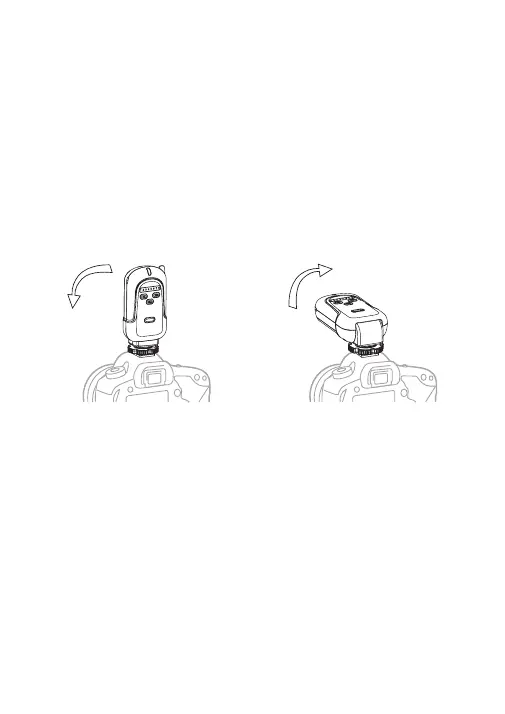
Raising and Lowering the Transmitter
The FT-8 transmitter can be used in an up or down
position.
1. To lower the transmitter: After mounting, gently
push the FT-8 transmitter forward to use in the
down position. The transmitter will lock in place in
the down position.
2. To raise the transmitter: Gently pull the FT-8
transmitter up. The transmitter will lock in place in
the up position.
Setting Channels
1. The FT-8 has eight channel settings.
2. Press the Channel Adjustment Buttons (left or
right) on the transmitter or receiver to set the
channel.
3. Channel Numbers 1 to 8 will illuminate on the
transmitter or receiver to indicate which channel
the device is set to.
4. FT-8 transmitters will only trigger receivers set to
the same channel.
• 8 •



 To Next Page