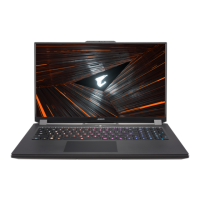
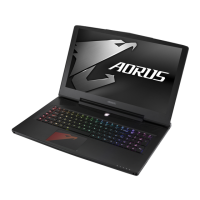
Your AORUS Notebook Tour
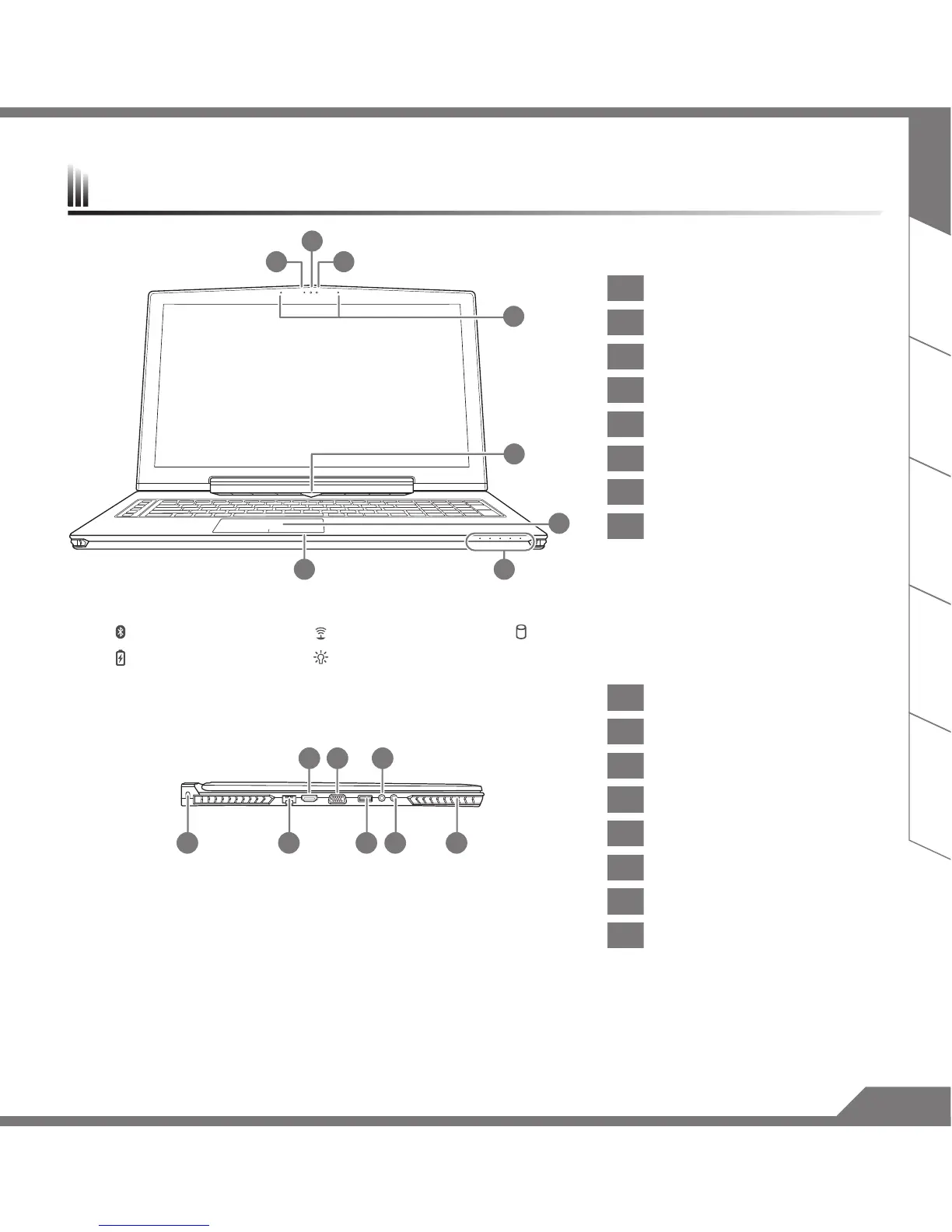
1 Webcam Status LED Indicator
2 Webcam
3 Light sensor
4 Microphone
5 Power Button
6 TouchPad
7
Battery Indicator Button
8 LED Indicators
Press the right button of touchpad while power off, hibernate mode to check the remaining battery power.
Bluetooth Status LED Wireless Lan Status LED HDD Status LED
Battery Status LED Power Status LED
1 Kensington Lock Slot
2 Ethernet Port
3 Surround Port
4 D-sub (VGA) Port
5 USB 3.0 Port
6 Microphone Jack
7
Headphone Jack
8 Speaker
Enjoy triple display visual pleasure by connecting HDMI, mini-DP and Surround port with 3 monitors (same model number).
*Caution:
(1) Surround port is compatible with regular HDMI cable connecting television and PC.
(2) Connect HDMI or mini-DP port to external monitor for dual screen display. Surround port does not support dual display.
(3) Supported game title list please refer to NVIDIA ofcial website.
(4) NVIDIA Surround Technology is only available when connected to AC adapter.
6
87
5
2
31
4
21 5 7 8
43 6


 To Next Page