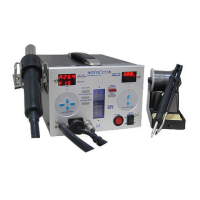
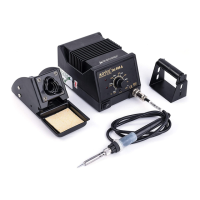
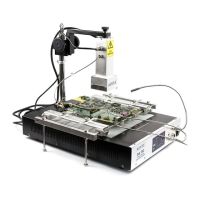
14
OPERATINGGUIDELINES
SOLDERINGIRONMANUALCALIBRATION
1. Setsolderingirontodesiredworkingtemperature.
2. Wait a fewminutesfor thetemperatureto stabilizebefore checking
thetemperaturedifferencewithanexternalcalibratedprobe.
3. Accessthe manualcalibration holeby removingthe rubbercoverof
thecalibrationhole.
4. Useasmallscrewtoslowlyadjustthetrimmerpotentiometerthruthe
calibrationhole.
5. When tip temperaturehas been recalibrated. Replace rubber cover
intoposition.
SOLDERINGIRONDISPLAYGUIDE
“Pen”—Solderingironisnotdetected.
“OFF”—Solderingironfunctioniscurrentlyoff.
“Hot”— Solderingironfunctioniscurrentlyoffbutthesolderingiron
tipisstillveryhot.
“”—Solderingironiscurrentlyinsleepmode.
“t00”—Solderingironsleeptimeradjustmentmode,sleeptimeroff.
“t60”—Sleeptimeradjustmentmode,sleeptimersetat60minutes.
“001or–00”—Solderingirondigitalcalibrationadjustmentmode.
“Err”—Solderingironerror.
SOLDERINGIRONSMOKEABSORBER
1. Turn on Soldering Iron function and set to desired working
temperature.Waitforsolderingirontoreachsettemperature.
2. TurnontheSmokeAbsorberfunctionswitch.
Note:SmokeabsorberfunctioncannotbeenablediftheSMDrework
functionswitchisturned“ON”.Toutilizethesmokeabsorberfunction
theSMDreworkfunctionswitchshouldbeinthe“OFF”position.
7
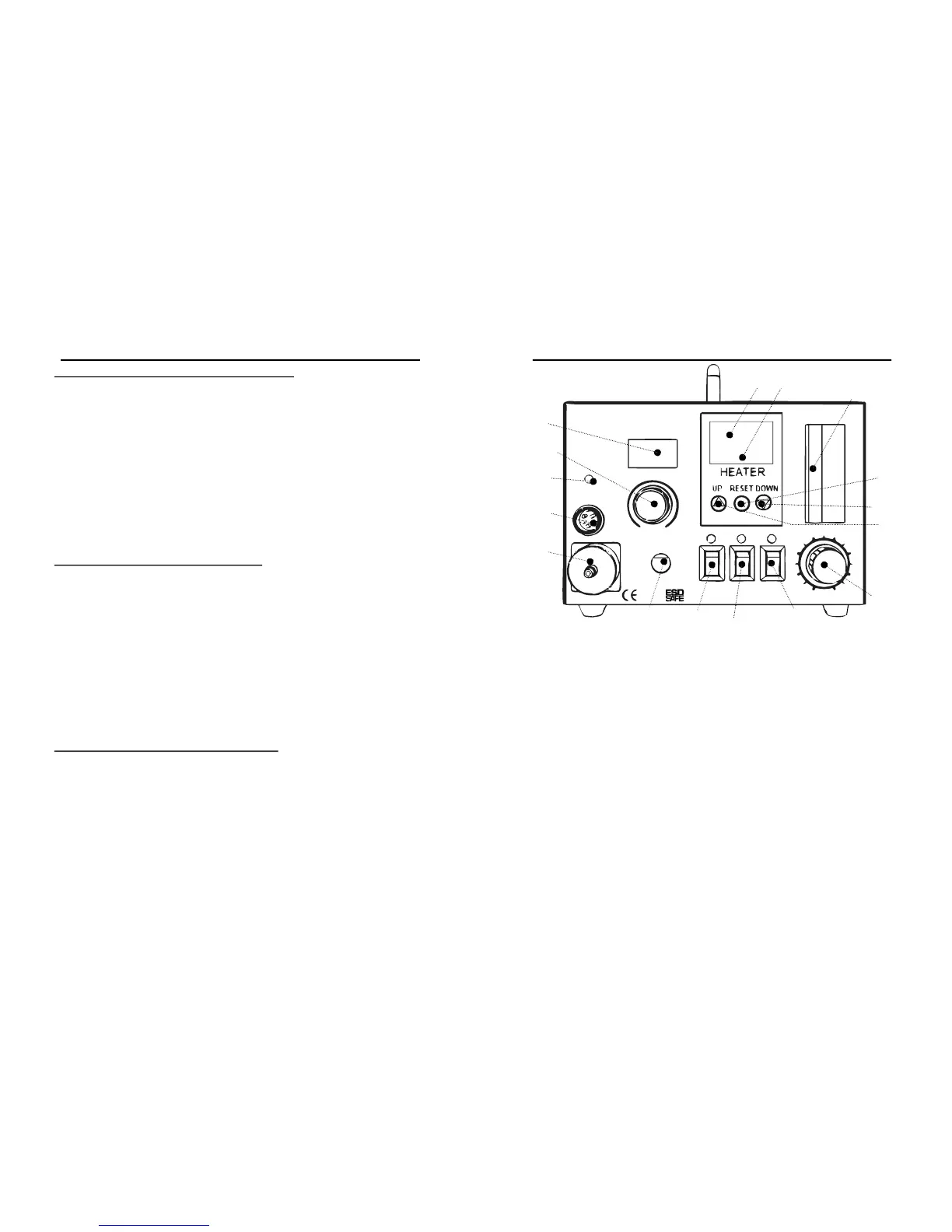
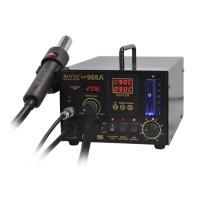
A1 Airpressureknob
A2 Solderingirontemperaturedisplay
A3 Solderingirontemperatureknob
A4 Solderingironcalibrationhole.
A5 Resethotairguntemperature
A6 Hotairgunincreasetemperatureadjustmentbutton.
A7 Hotairgundecreasetemperatureadjustmentbutton.
B1 Solderingironfunctionswitch
B2 Smokeabsorberfunctionswitch
B3 SMDreworkfunctionswitch
C1 Airpressureindicator
C2 Settemperaturedisplay(Hotairgun)
C3 Actualtemperaturedisplay(Hotairgun)
D1 Solderingironterminal
D2 Vacuumoutlet
D3 Hotairgunoutput
PANELCONTROLS
A1
A2
A3
A5 A4
A6
B1
B2
B3
C1
C2 C3
D1
D2
D3
A7
aoyue Int968A+
OFF
ON
LOW
CAL
HIGH
REPAIRINGSYSTEM
TEMPERATURE
SOLDERING
IRON
SOLDERING
IRON
SMOKE
ABSORBER
SMD
REWORK
6
4
3
2
8
5
VACUUM
1
7


 To Next Page