5
Notes
HIGH ALTITUDE SETTINGS
If the dispenser is used in high-altitude area, please set high-altitude mode as follows:
1. When the screen displays ‘L1’, pour out the remaining water in the tank and refill it with tap water.
2. You will get the best taste after flushing the first 12L of water.
OPERATION AND SETTING
06
Power on the system. It will automatically flush for 5 minutes with the screen displaying a dynamic
clockwise loop .
System starts producing purified water with the screen displaying a countdown of 99 seconds.
When the water quality indicator blinks, press the water dispensing key to dispense water (not
drinkable).
Cyclically repeat steps 2-3 times until flushing water for 3L .
After dispensing water for 3L, the water quality indicator stops blinking. The system is ready for use.
1
2
3
4
4
5
2 3 4
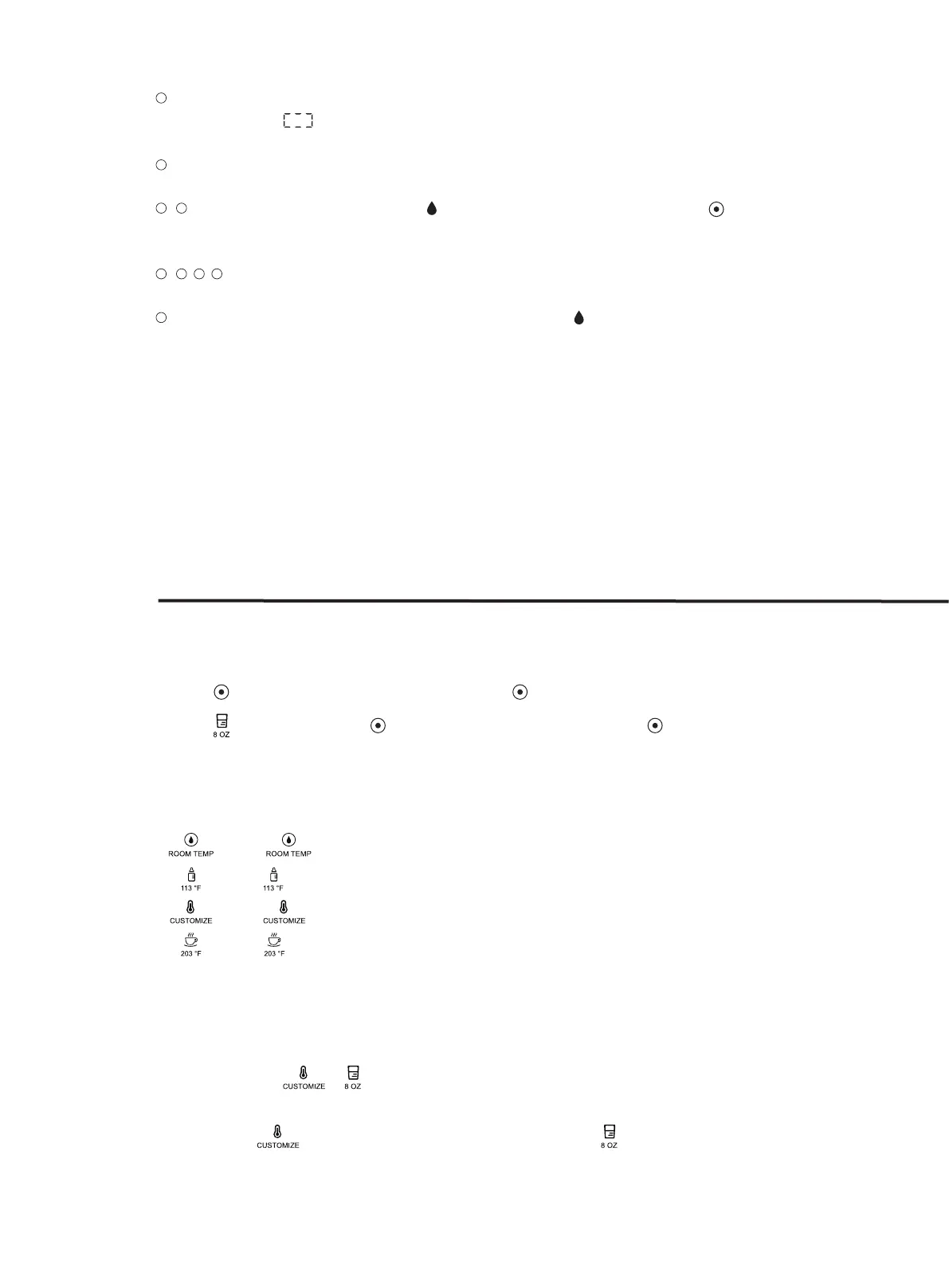
• Press key to continually dispense water, press again to stop dispensing water.
• Press key first, then press key to dispenser water for 8 oz. Press anytime to stop dispensing
water.
• : Press key to set purified water temperature as room temperature.
• : Press key to set purified water temperature as 131 °F.
• : Press key to select customized water temperature from 131°F, 149°F, 167°F or 185°F.
• : Press key to set purified water temperature as 203 °F.
DISPENSING WATER
SELECTING WATER TEMPERATURES
1. Hold and press + at the same time for 3 seconds to start the high-altitude mode. The dis-
penser beeps once and the temperature indicator blinks.
2. Short press key to increase temperature or short press key to decrease temperature.



 To Next Page