6
STANDBY MODE
When dispenser is not operating for 20 seconds, it will enter standby mode. All indicators on control
panel and display screen are off (only water dispensing key lights up with 50% brightness). Press any key
on control panel to wake up the screen.
PRODUCING PURIFIED WATER
System starts producing water when the purified water is at low level. The screen will display countdown
of 99 seconds and resume to normal status after the countdown is completed.
3. Press key to confirm, or the setting will be saved automatically if no operation after 10 seconds.
4. Refer to the table below to adjust temperatures.
• Hold and press key for 5 seconds with buzzer beeps once to activate child-lock function; hold and
press key again to deactivate child-lock function.
• When selected purified water temperature ≥131°F, system will be locked with lights up. Hold and
press key for 1s to unlock before dispensing water. It will be locked again when no water dispensing
for 10 seconds.
CHILD-LOCK FUNCTION
REFILLING WATER TANK
When screen displays ‘L1’, it indicates that water tank needs to be refilled. Pour out all remaining water in
the tank and fill it with tap water up to the MAX fill line.
Notes:
• It is recommended to empty the purified water tank regularly: Hold and press + at the same time
for 3 seconds, then press key to empty the purified water tank by the dispenser automatically. The
screen will display dynamic clockwise loop .
• It is recommended to change the water in the tank every day and clean the water tank regularly.
When changing the water, pour out remaining water in the tank before refilling up with tap water.
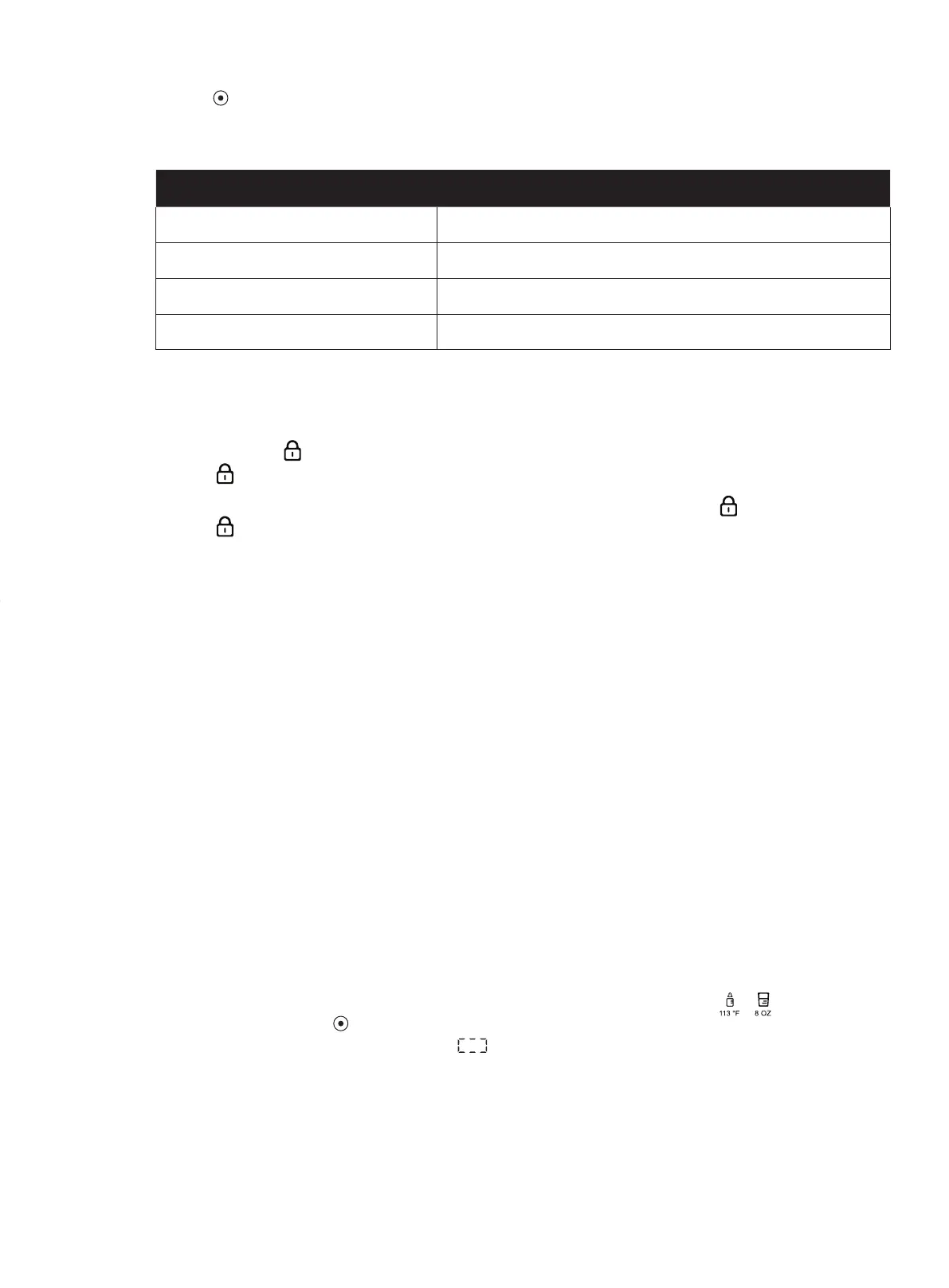
ALTITUDE RANGE(FOOT) MAXIMUM HEATING TEMPERATURE
< 4500ft 203°F
4501 - 6500ft 199°F
6501 - 8500ft 196°F
8501 - 12500ft 190°F



 To Next Page