B. Playback on PC
You can either use the original USB cable to connect the camera to the
PC or use a card reader to read MicroSD card data on the PC.
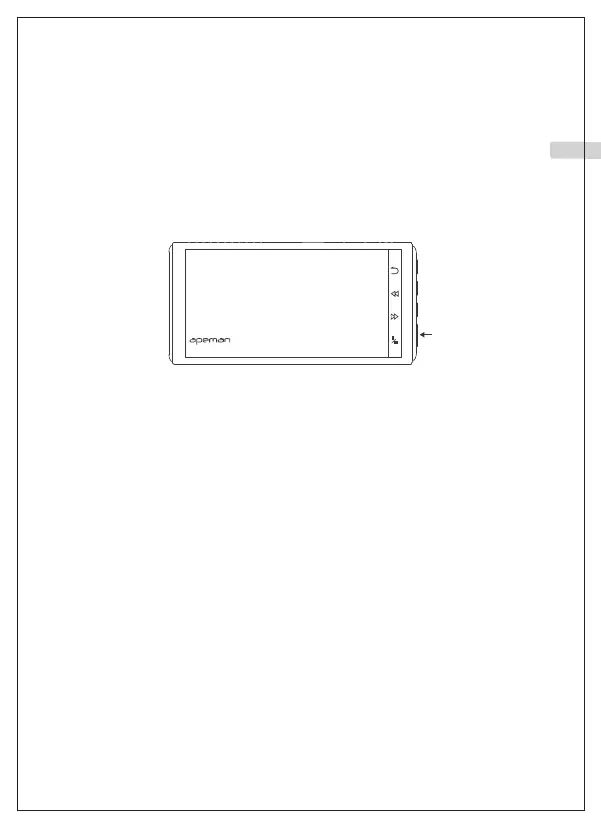
C. Delete a video
After entering the playback screen, long press the “Enter" button on the
far right to enter the delete option. As the picture shows.
Pause recording first and press the second button to enter the menu.
Entering the Setup screen and then change settings.
Change Settings
00:15
Dash Cam 01:16:58 2021/01/01
20210101_011659_005A.MP4 0005/0005
01 02 03 04 05 06 07 08 09 10 11 12 13 14 15
16 17 18 19 20 21 22 23 24 25 26 27 28 29 30
31 32 33 34 35 36 37 38 39 40 41 42 43 44 45
EN



 To Next Page