Remote
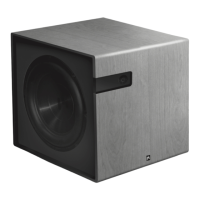
Your Aperion Audio Bravus subwoofer is equiped with
a remote control for easy, on the fly adjustments. You
can use your remote for adjusting the volume, switching
between listening modes, or for changing your subwoofer
settings. For an explaination of the remote, read below.
Be sure to click the power switch on the back of the
subwoofer to the “On” position before trying to use the
remote. You may also transfer the information in your
Aperion Audio subwoofer remote to a programmable
universal remote control. (Please refer to the universal
remote control’s manual for instructions on program-
ming. IR code - 2290)
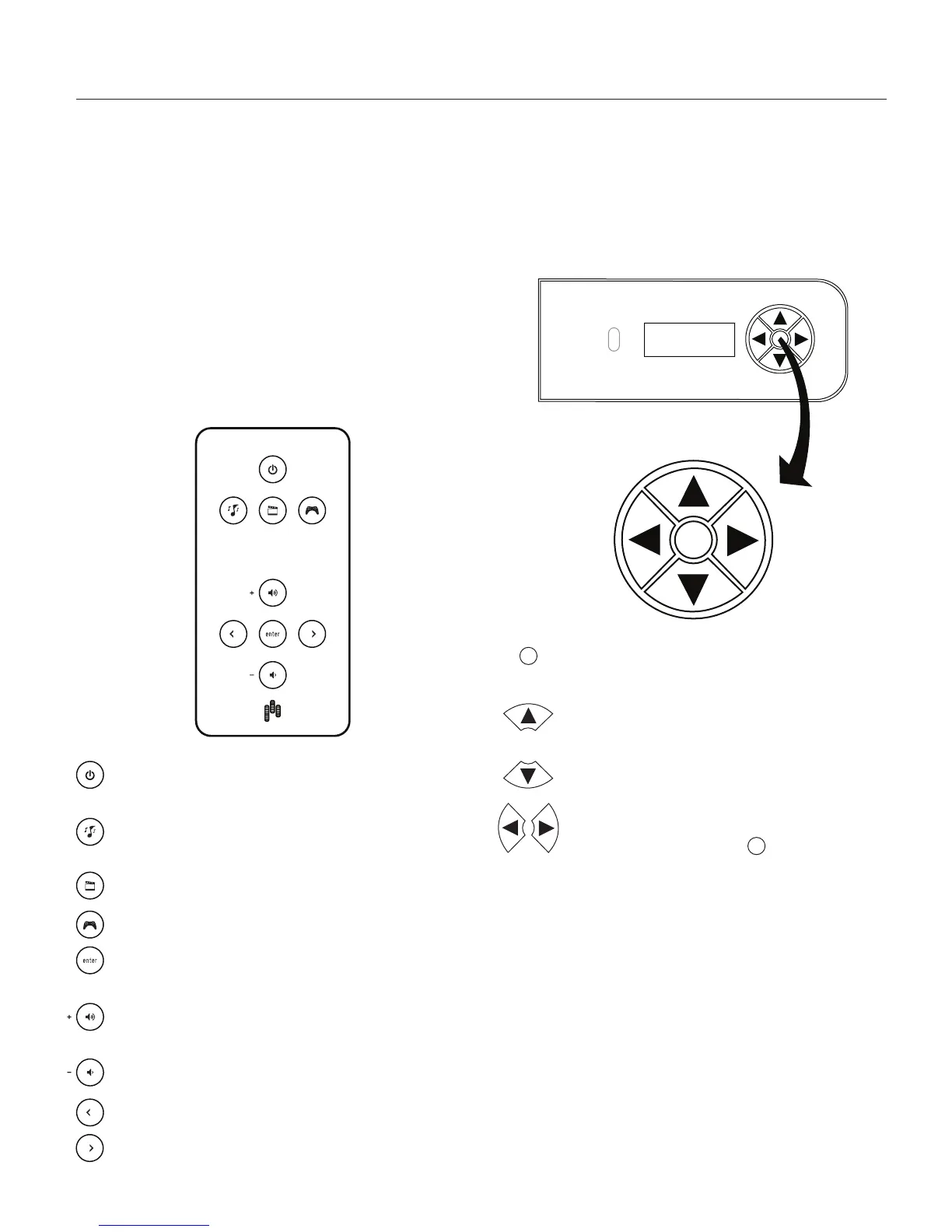
- Cycles between the ON, AUTO, and MUTE
modes.
- Switches your subwoofer into music mode, (setup
instructions for each mode can be found on pg. 9)
- Switches your subwoofer into movie mode.
- Switches your subwoofer into game mode.
- Confirms setup and selections and used to
enter the setup menu (hold 2 seconds).
- Raises the volume level or, if in the setup
sequence, sets the level of a function.
- Lowers the volume level or, if in the setup
sequence, sets the level of a function.
- Scrolls through setup mode options and individial
sequence functions.
Subwoofer Controls
If your remote is lost somewhere in the couch cushions,
you can perform the same tasks using the controls on
the front of your subwoofer. Be sure to click the power
switch on the back of the subwoofer to the “On” position
before trying to use the subwoofer controls.
- Confirms setup and selections and used to
enter the setup menu (hold 2 seconds).
- Raises the volume level or, if in the setup
sequence, sets the level of a function.
- Lowers the volume level or, if in the setup
sequence, sets the level of a function.
- Scrolls through the listening modes Music,
Movie, and Game (press to confirm). In
the setup menu, these buttons scroll through
menu options.
Remote, Subwoofer Controls
6
Remote and Subwoofer Controls


 To Next Page
 Loading...