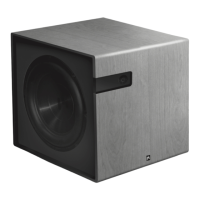
Music, Movie, Game: Setup
Your Bravus subwoofer features Music, Movie and Game
listening modes that are preset at the factory to maxi-
mize performace. But if you’d like to customize your
settings, here’s how.
To reach the Music, Movie, and Game setup menus hold
the enter button on the remote or the center button on
your subwoofer for 2 seconds. Then, press the right or
left arrow keys to cycle through the setup menus: Setup
Room EQ, Music, Movie, Game, and Exit. Press the enter
button to begin the setup process for either Music, Movie
or Game listening modes. Pressing the enter button when
you reach the exit menu, will exit the setup process.
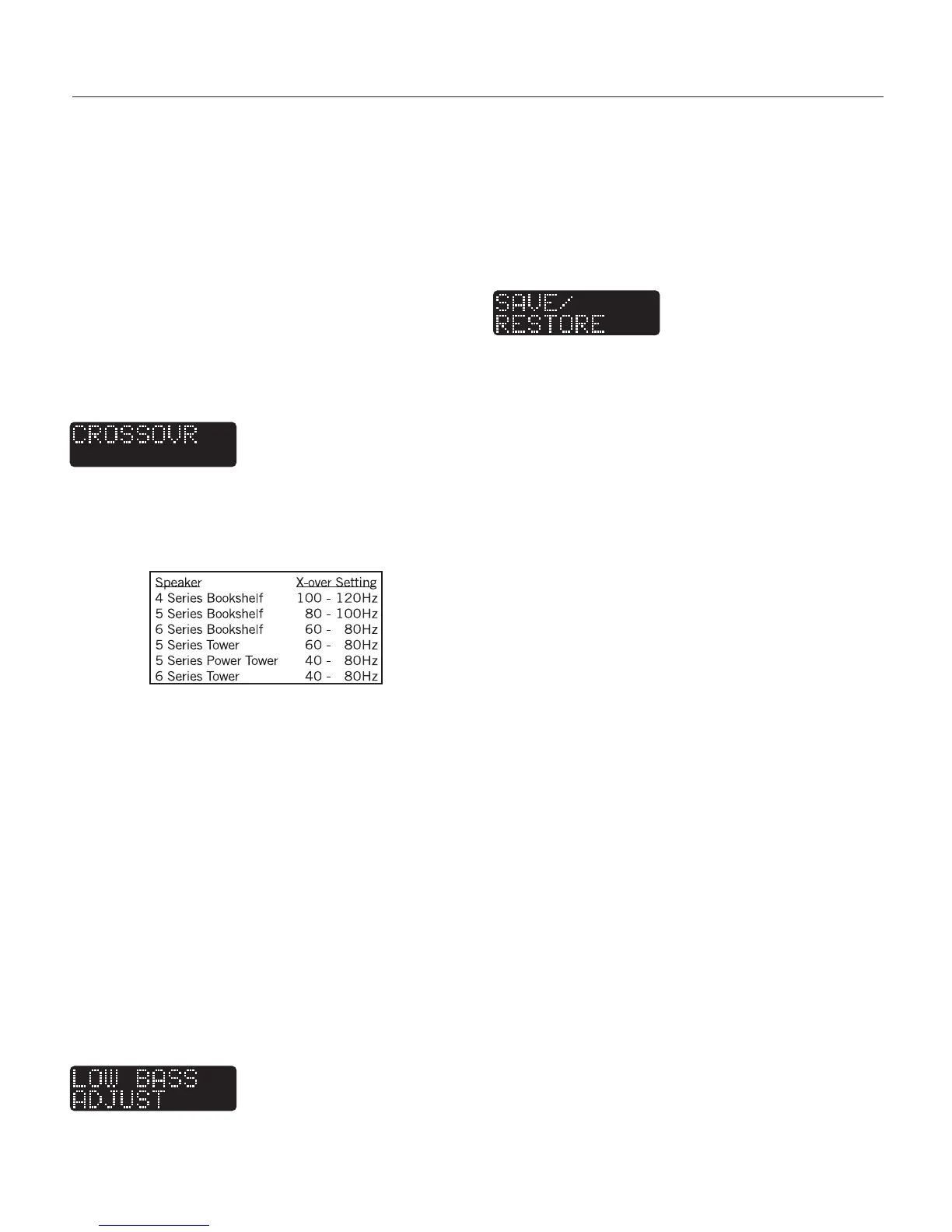
The crossover menu allows you to select the frequency
your subwoofer will play below. Where you will set your
crossover will depend on the other speakers in your sys-
tem and your taste. Below is a list of crossover ranges for
Aperion Audio speakers.
*If your Aperion speakers are not listed here, please check our website for
crossover recommendations. www.aperionaudio.com
IMPORTANT: It is crucial to match your subwoofer cross-
over settings, to the crossover setting in your receiver
(see page 7 for instructions on setting up your receiver).
Note: Frequencies above 80Hz start becoming directional
- meaning your ear can locate where they are coming
from. So if your subwoofer is crossed-over above 80Hz, try
to position it as close to under your television as possible.
Scroll through the crossover settings using the volume
buttons on the remote or the top and bottom buttons on
the subwoofer. Press the enter button to confirm the
setting, and the “Low Bass Adjust” menu will appear.
Press the enter button to continue. If you want to bypass
your subwoofer’s crossover and use the crossover feature
in your receiver, select “Bypass” in the crossover setup
menu – again, this is the default mode of your subwoofer.
This menu allows you to boost or trim the lowest frequen-
cies that your subwoofer will play. If you want to boost the
low bass for rumbling special effects or you want to
reduce the boom while you listen to music, you can adjust
it here. Use the volume buttons on the remote or the
top and bottom buttons on the subwoofer to select the
proper level. When you have the boost/trim level select-
ed, press the enter button to confirm and the “Save/Re-
store” menu will appear. Press enter.
In this menu you can choose to Save the changes you
have made or discard your changes. After you make your
selection, press enter to complete this portion of the
setup.
Caring for Your Subwoofer
We recommend using a damp cloth for cleaning. You
may also use a soft cloth with a good quality furniture
polish. Be sure to follow the directions on the polish
packaging. Do not use any harsh detergents or chemicals
to clean your subwoofer’s cabinet. Abrasives, detergents,
or cleaning solutions will damage the finish.
During normal conditions, the subwoofer may be left on
or in auto continuously without any problems. However,
even if the subwoofer is off, it will still draw some power.
If this is an issue or you plan to leave the unit unused
for an extended period of time, we recommend that you
unplug it from the wall.
Troubleshooting
Before seeking service for your amplifier or subwoofer,
please re-check all systems. Following is a simple
troubleshooting guide to assist you.
1. Verify that the unit is plugged in and the power outlet
is active.
2. Is the power switched on and the voltage selector set
to 115V on the back of your subwoofer?
3. Is the volume set to a reasonable listening level?
4. Has the sub been connected from an output of the
receiver to an input of the sub?
5. Is the sub receiving an input signal from your source?
6. Have all subwoofer controls been properly set? (see
pgs. 7-9 for setup instruction)
7. Has the power button been pressed on the remote?
8. Has your receiver been set up properly? (see your
receiver’s manual for setup instructions and page 8 of
this document.)
If the problem persits after making these checks, please
consult the help section on our website or call us for as-
sistance. www.aperionaudio.com 888.880.8992
9
Subwoofer Setup Continued
Subwoofer Setup Continued


 To Next Page
 Loading...