15
6. Adjusting Channel Intensity Control
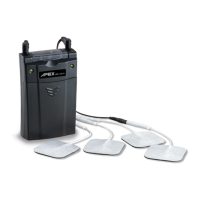
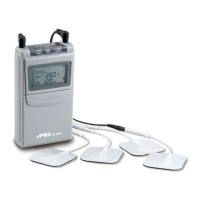
Locate the intensity control knobs at the top of the unit under the cap. Open the cap rst, slowly turn
the intensity control knob for Channel 1 clockwise until you reach the intensity recommended by your
medical professional. Always start with the lowest step and increase slowly. Repeat the same process
for Channel 2, if appropriate. Close the cap after intensity setting ok.
If the stimulation levels are uncomfortable or become uncomfortable, reduce the stimulation amplitude to a
comfortable level. Cease stimulation and contact your physician/practitioner if problems persist.
BATTERY INFORMATION
A 9-volt disposable battery is provided with your unit. When the low-battery indicator appears, the
battery has become too weak to power the unit and will need to be changed. At this point, the unit will
shut o until a fresh battery is inserted.


 To Next Page