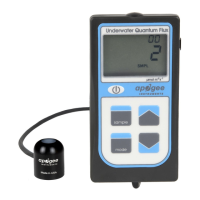
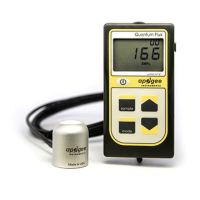
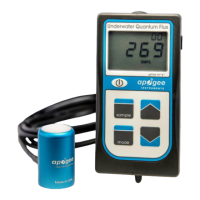
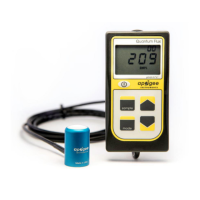
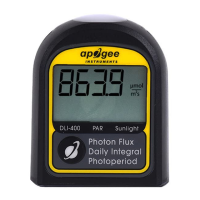
1. Press and hold the button for about eight seconds until the reset
timer appears on the display. If you do not want to reset the meter,
release the button before the countdown is over to cancel the reset.
If you do want to reset the meter, continue holding the button until
the countdown reaches zero.
Note: Resetting the meter will clear ALL previous data and
begin new calculations beginning from that time. The first
‘day’ will last 24 hours or until the first hour of continuous
darkness (less than 0.1 mmol m
-2
s
-1
) is detected, whichever
comes first. All subsequent days are 24 hours long.


 To Next Page