Need help?
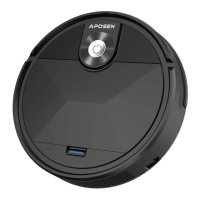
Do you have a question about the Aposen A200 and is the answer not in the manual?
Lists all items included in the robot vacuum cleaner package.
Identifies the main components of the robot vacuum from top and bottom views.
Guidelines for preparing the cleaning area before the robot operates.
Instructions for installing side brushes and charging the robot.
Steps to remove, empty, and clean the dustbin and its filters.
Instructions for cleaning the side brush.
Cleaning the universal wheel, sensors, and charging pole pieces.
Explains the meaning of different cleaner status indicator lights.
Provides guidance on troubleshooting based on beeps and light flashes.
Details on what is covered and not covered by the product warranty.
 General
| Brand | Aposen |
|---|---|
| Model | A200 |
| Category | Vacuum Cleaner |
| Language | English |

 To Next Page