iMac (21.5-inch, Late 2009) Symptom Charts — Display 49
2010-11-18
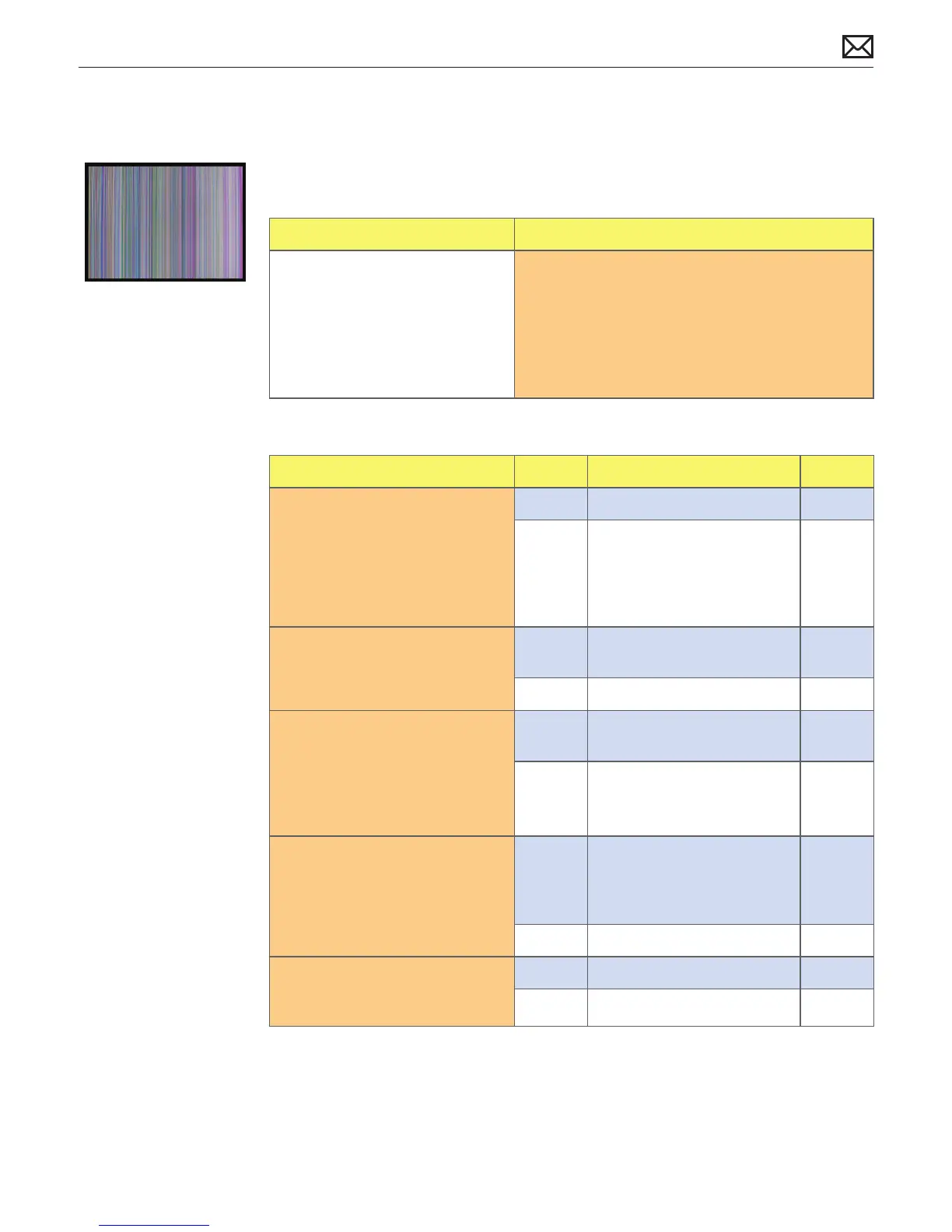
Distorted/Blurred Image
Unlikely cause: power supply, hard drive, optical drive, fans, speakers, camera, microphone
Quick Check
Symptoms Quick Check
Distorted/Blurred Image
• Text and graphics appear fuzzy
• Image corrupted
1. Set System Preferences > Displays to native
resolution of LCD. Non-native resolutions are
unable to produce optimal clarity.
2. Clean outside of glass panel.
3. Boot from install DVD to determine if a potential
software issue exists.
Deep Dive
Check Result Action Code
1. Boot from Install DVD and
verify if issue is still visible.
Yes Go to step 2.
No Issue likely caused by
software or driver issue.
Troubleshoot for software
issues. Make sure all software
updates have been installed.
2. Verify if issue is visible on an
external display attached to
mini DisplayPort.
Yes Issue NOT caused by internal
LCD panel. Go to step 3.
No Go to step 6.
3. For systems without video card,
go to step 4. If a video card is
present, remove video card,
inspect connector for damage
or corrosion then reinstall.
Verify if issue still occurs.
Yes Replace video card.
Go to step 4.
M24
No Issue likely caused by poor
video card connection.
4. Verify if distorted/blurred
image issue is still present.
Yes Replace logic board. For
systems with a video card,
reinstall the user’s original
video card. Go to step 5.
M04
No Issue resolved.
5. Verify if issue is still present
with replacement logic board
installed.
Yes Return to step 1 and retest.
No Issue resolved.



 To Next Page