iMac (21.5-inch, Late 2009) Symptom Charts — Display 54
2010-11-18
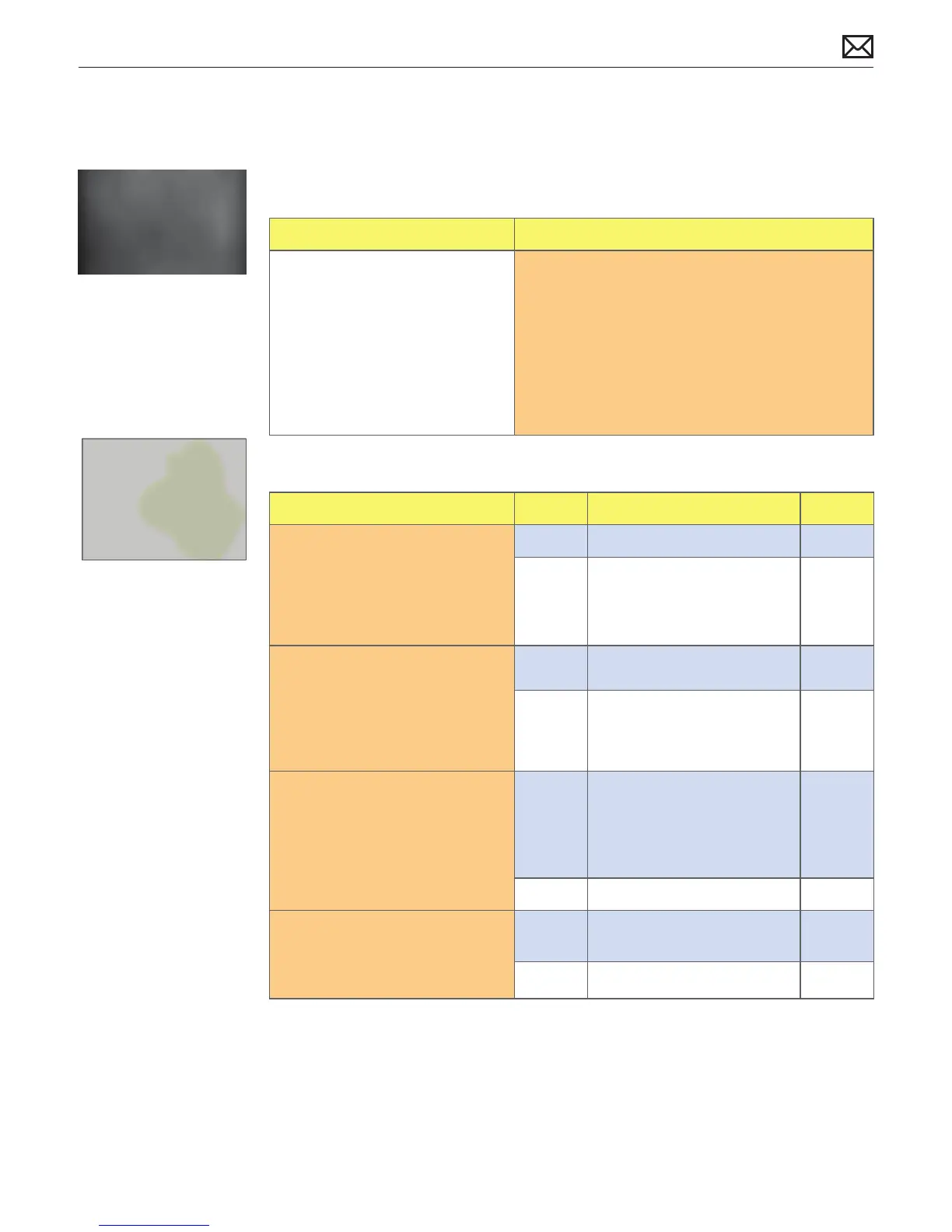
Non-Uniform Brightness
Unlikely cause: power supply, hard drive, optical drive, fans, speakers, camera, microphone
Quick Check
Symptoms Quick Check
Non-Uniform Brightness
• Brightness not uniform
• Color not-uniform
1. Verify System Preferences > Displays > Brightness
slider is set above minimum.
2. Allow 15 minutes for backlight to reach normal
operating temperature and output before
evaluating display.
3. Visually inspect glass panel for presence of dust,
cigarette smoke, or other contaminants. Clean
glass panel if needed.
Deep Dive
Check Result Action Code
1. Determine if brightness
uniformity issue is visible after
display has warmed up for
about 15 minutes.
Yes Go to step 2.
No Display backlight can take
several minutes to stabilize.
Retest. If issue still not visible
return computer to user.
2. Look at user-provided
examples showing brightness
uniformity issue. Determine if
variation in uniformity appears
excessive when compared to
another same-model computer.
Yes Go to step 3.
No Demonstrate to user that LCD
performs similarly to another
computer of the same model.
3. Remove glass panel and
loosen screws securing LCD
panel. Determine if brightness
uniformity improves.
Yes Inspect for mechanical
interference with screws
or cables making contact
with back of LCD. Reseat
components & cables, retest.
No Go to step 4.
4. Remove LCD panel, then
inspect and reseat backlight
cables. Determine if brightness
uniformity improves.
Yes One or more backlight cables
were loose.
No Replace LCD panel. L07



 To Next Page