12
eMac (ATI Graphics) Take Apart
Power Button
Power Button Cable Check
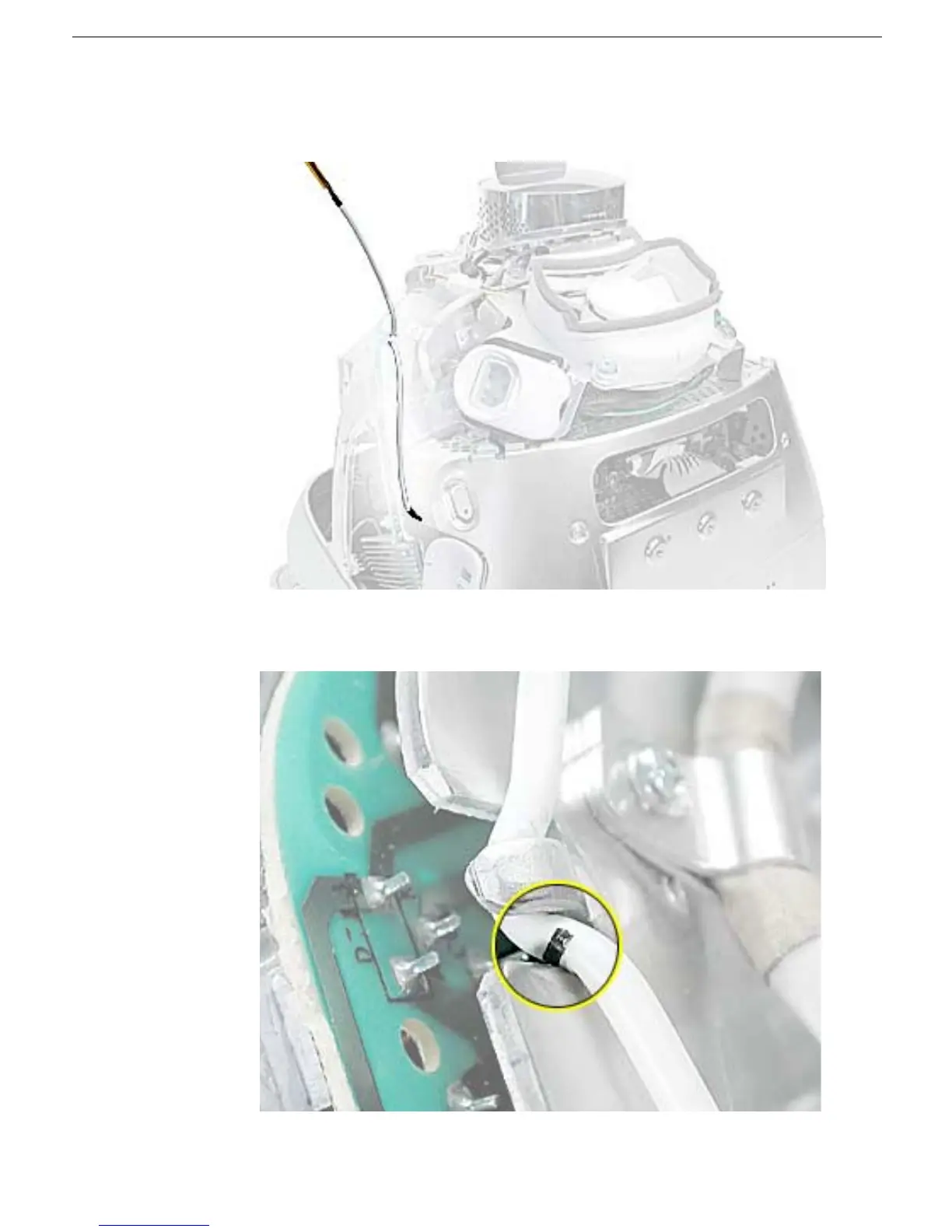
1. Check that the power button cable in drawn tight before you attach the other end of the
cable to the power button (located inside the rear housing).
2. Also, check that the cable is tucked under the chassis tab (as shown) and that the
black mark on the cable lines up with the chassis (circled below).



 To Next Page