eMac (ATI Graphics) Take Apart -
13
Power Button
Power Button Replacement
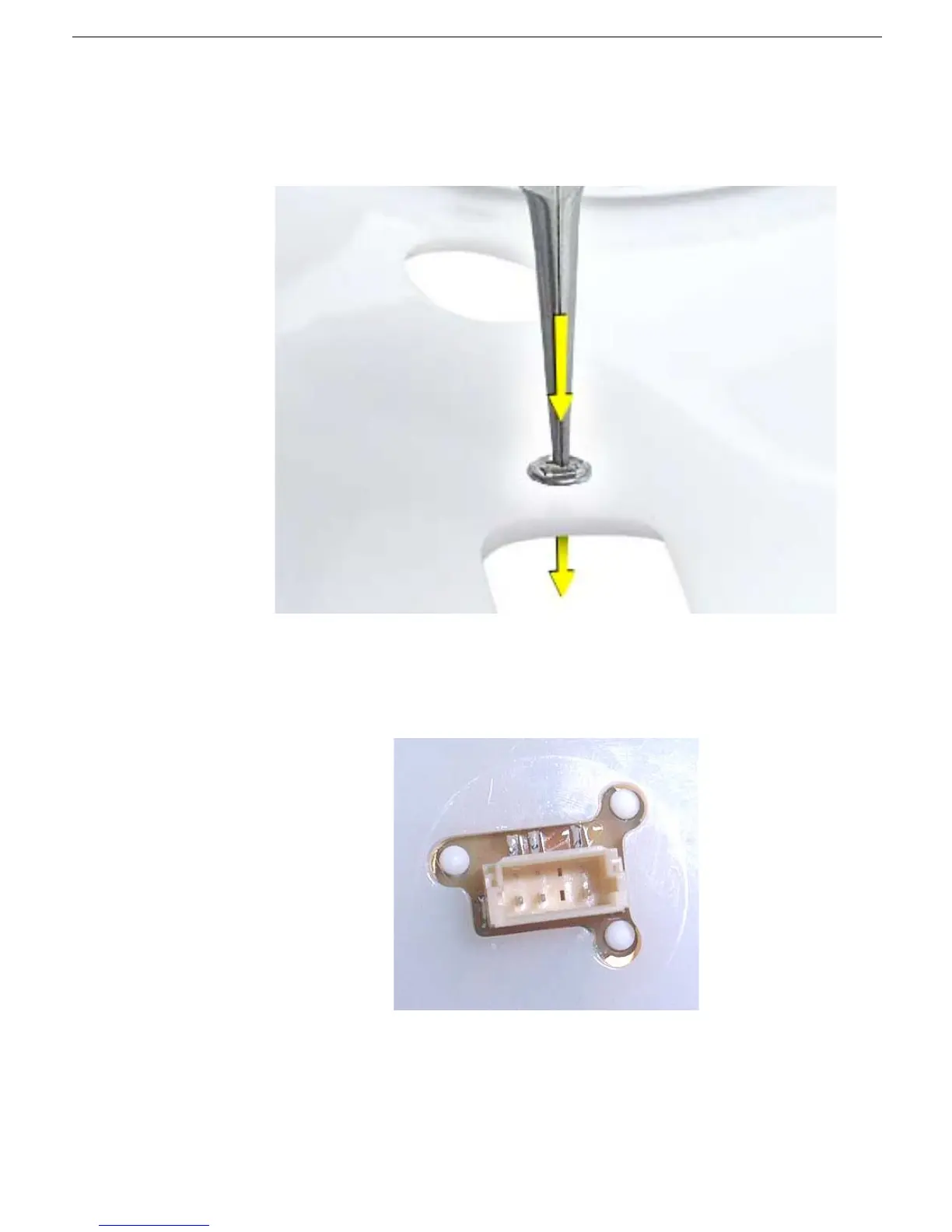
1. Continue with this procedure only if you are replacing a defective power button. With a
needlenose pliers, push the power button through the retaining ring. The power button
will pop off rear housing and the retaining ring may get stuck on the pliers.
2. Obtain the new power button and peel the sticky backing off the power button. Position
the power button into the hole on the rear housing (as shown below).
Note:
The
picture below is looking at the power button from the inside of the rear housing.
3. Place the retaining ring over the power button connector and press down firmly.



 To Next Page