4 iMovie at a Glance
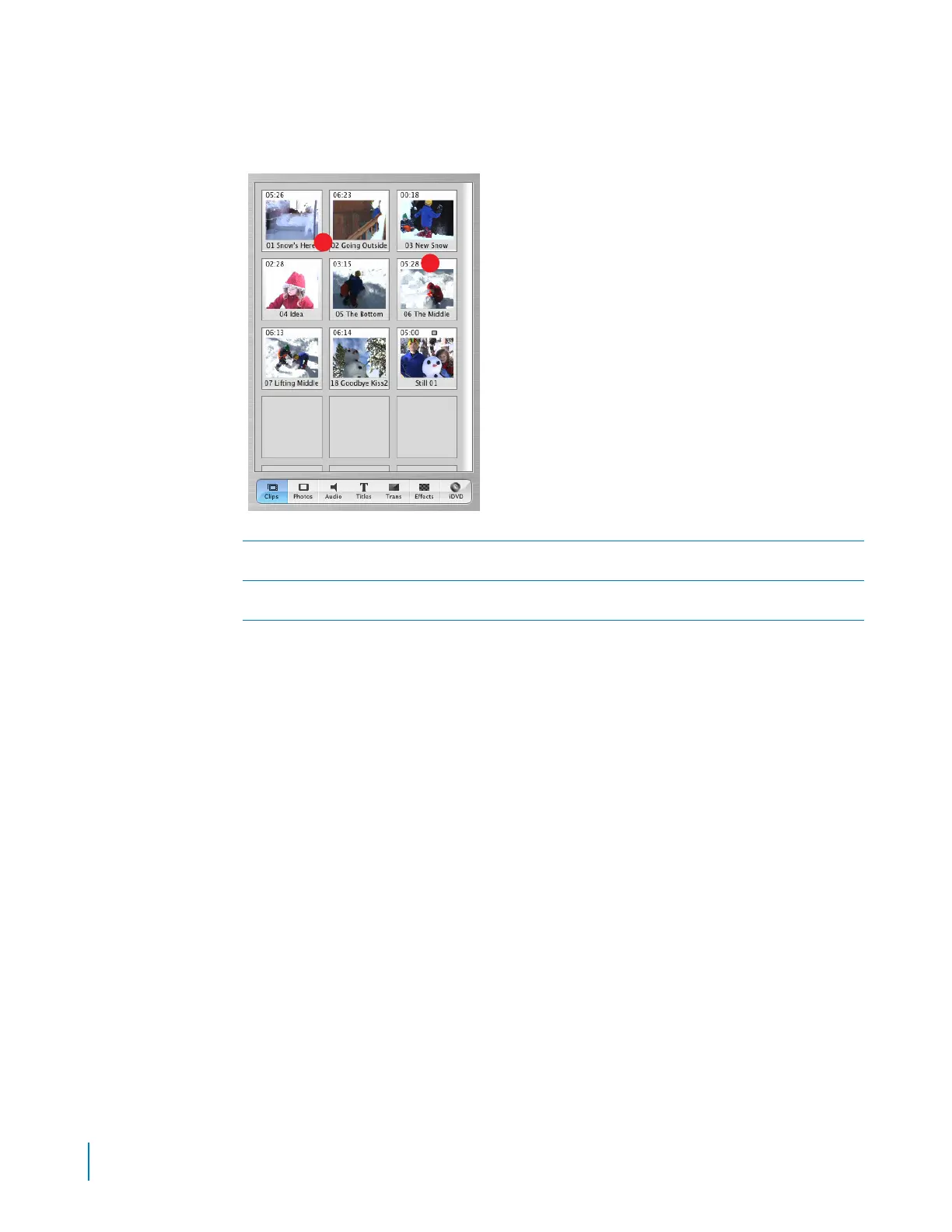
Clips Pane
Click the Clips button to open the Clips pane. The video footage and still images you import into
iMovie are stored here.
A
Clip name:
Each clip is assigned a unique filename. Double-click the name to change it to something more
meaningful to you. You can drag a clip from the Clips pane to the clip viewer to add it to your movie.
B
Duration:
The length of a video or audio clip is read as minutes:seconds:frames. For example, 01:08:15 is
1 minute, 8 seconds, and 15 frames into the movie.
A
B



 To Next Page