9
Accessibility
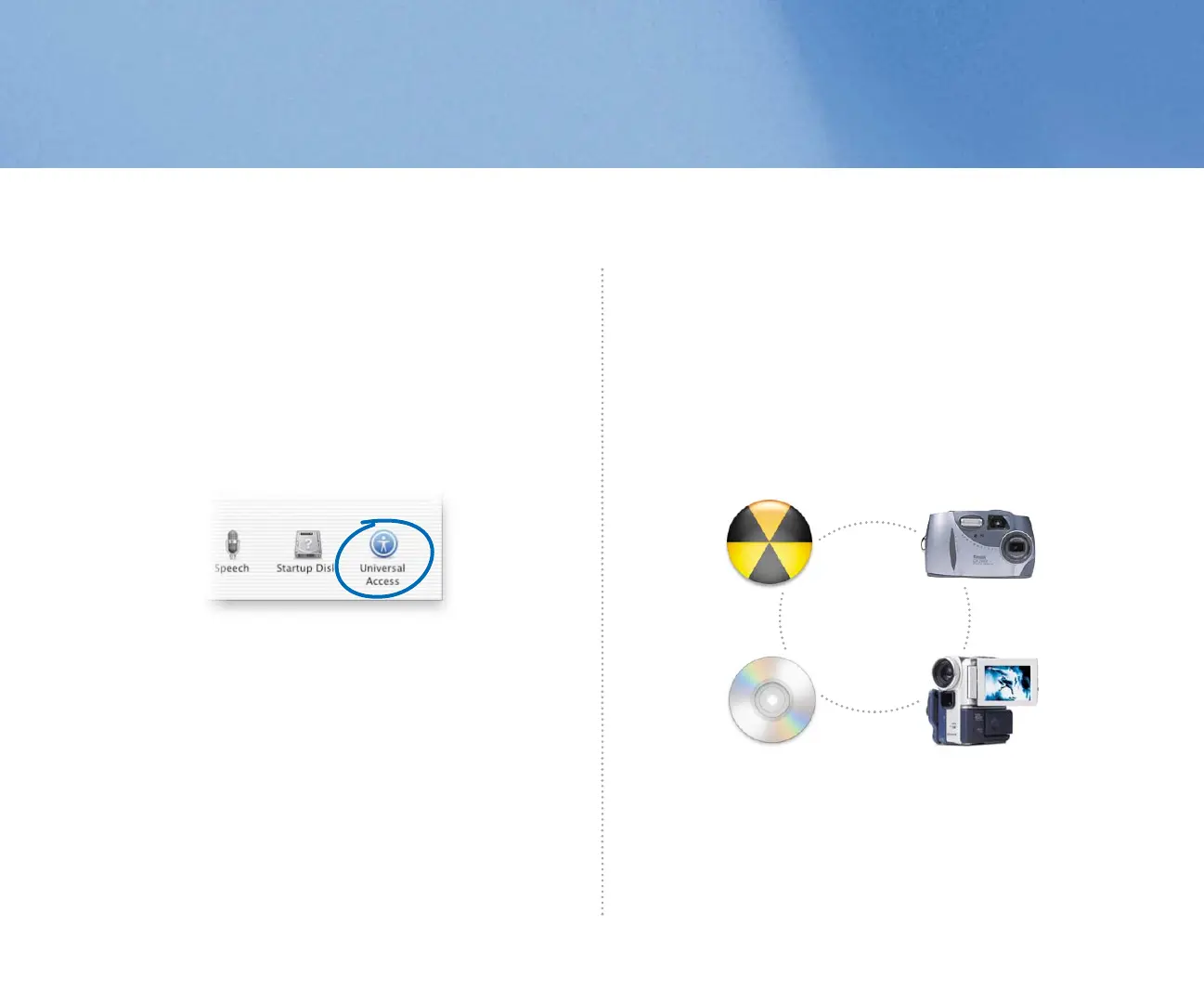
You can use Universal Access preferences to set up your computer to
work best for you. To help you see the screen better, you can zoom in or
switch to white-on-black display. To help you control your computer, use
Mouse Keys to move the pointer, Sticky Keys to press groups of keys, and
Full Keyboard Access to select items. You can also control your computer
using spoken commands and have text on the screen spoken to you.
Search Mac Help
How do I hear spoken text?
Use digital devices
It’s easy to use digital devices with your computer. Use iTunes to load
your favorite tunes onto your iPod. Connect your digital camera or digital
video camera to your computer, then use applications such as iMovie and
iPhoto to capture your digital pictures and movies. If your computer has a
Combo drive or SuperDrive, burn your own CD and DVD discs.
Search Mac Help
How do I control my iPod?
034-2156-A-JaguarBook 6/28/02 3:32 PM Page 9



 To Next Page