Mac Pro (Early 2008) Take Apart — Ambient Board 127
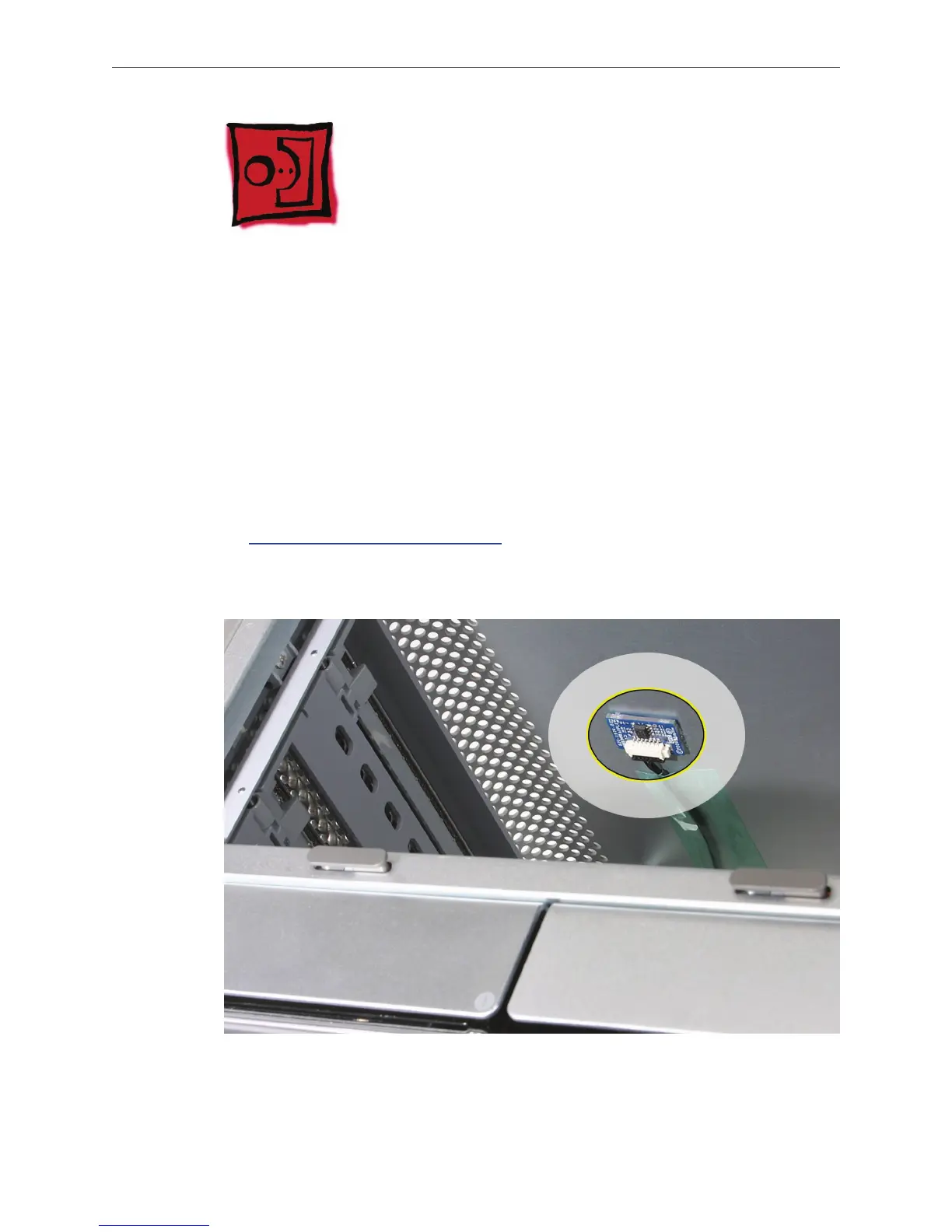
Ambient Board
Note: The ambient board is attached to the enclosure with adhesive. Once you remove the
ambient board, you may have to apply new adhesive before reattaching the same ambient
board. Replacement ambient boards come with adhesive already in place.
Tools
The only tools required for this procedure are a jeweler’s at-blade screwdriver.
Preliminary Steps
Before you begin, open the computer, lay it on its side with the access side facing up, and remove
the optical drive carrier and optical drives.
Part Location


 To Next Page
 Loading...


