Mac Pro (Mid 2010) General Troubleshooting — Processor Diagnostic LEDs 38
2010-08-31
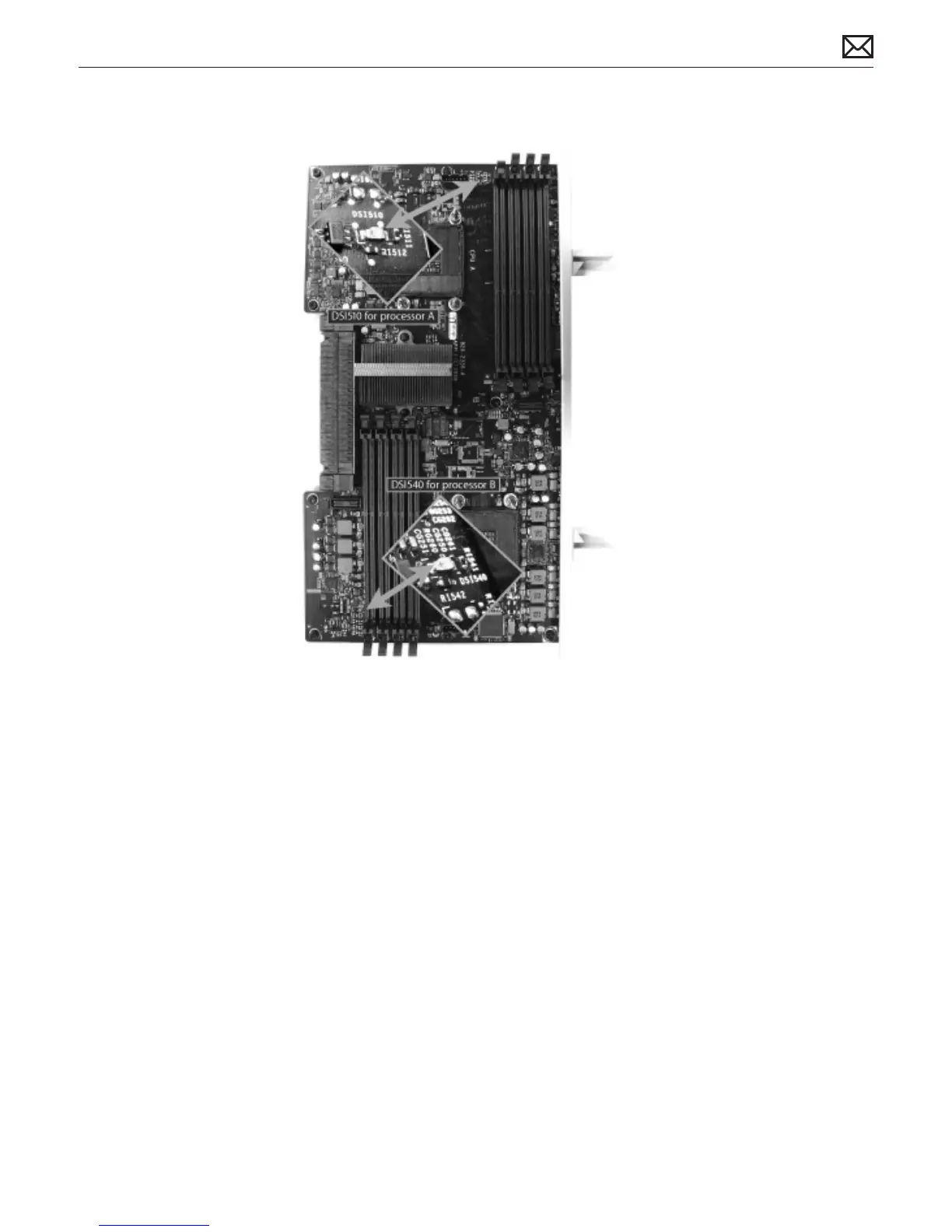
Dual Processor Board
Troubleshooting CPU Diagnostic LEDs
• Determine if the error LED follows the processor heatsink
• Verify the heatsink is physically undamaged and properly connected to the processor board
• Check that adequate thermal grease is applied, and verify the fan is operating
• For dual processor boards only: determine if the error LED follows the processor by
swapping processor A and processor B locations.



 To Next Page